Fraudsters fit copy company name, logo, profile picture or di way support agent dey communicate to make message look real. Di safest thing no be to decide whether message look real, but to verify am through official Deriv channel wey you open by yourself. Dis guide show how to recognise fake support, check contact details and respond safely.
Quick summary
- Name, logo or profile photo wey you recognise no prove say di contact na genuine one.
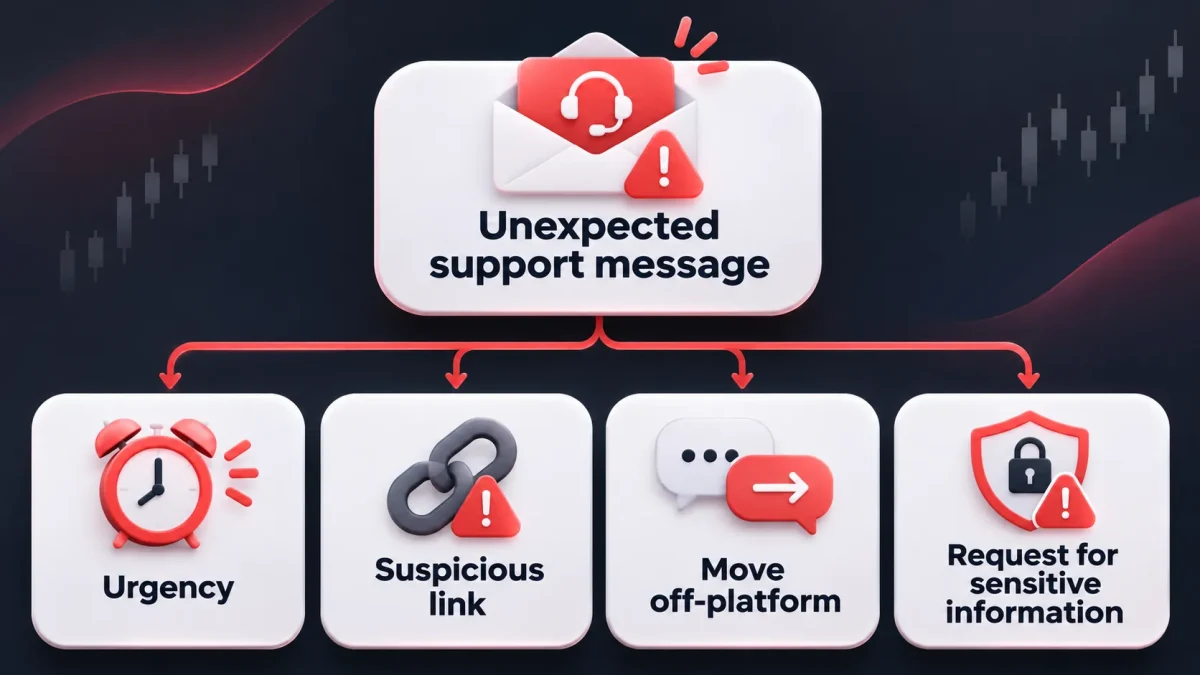
- Be careful of messages wey you no expect, urgent instructions, suspicious links and requests to move conversation go anoda place.
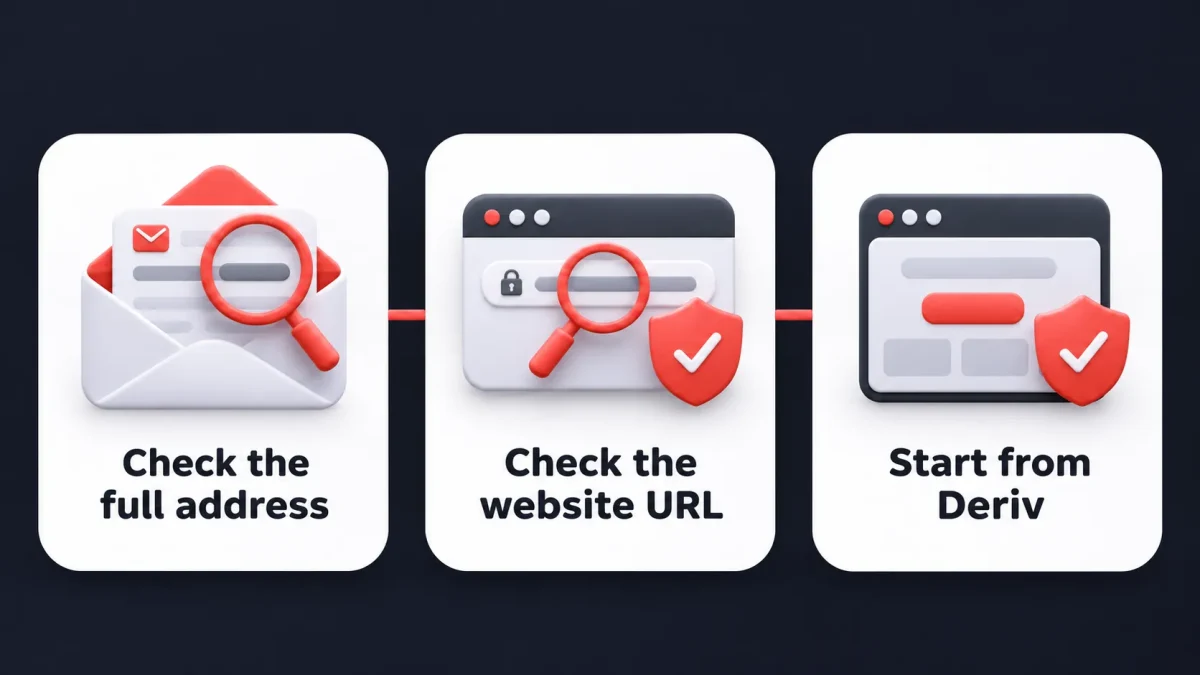
- Check di full sender address and website address, no be only di display name.
- Start support conversations from di official Deriv website or app.
- No share passwords, PINs, one-time passcodes or oda security credentials.
How fake support dey appear
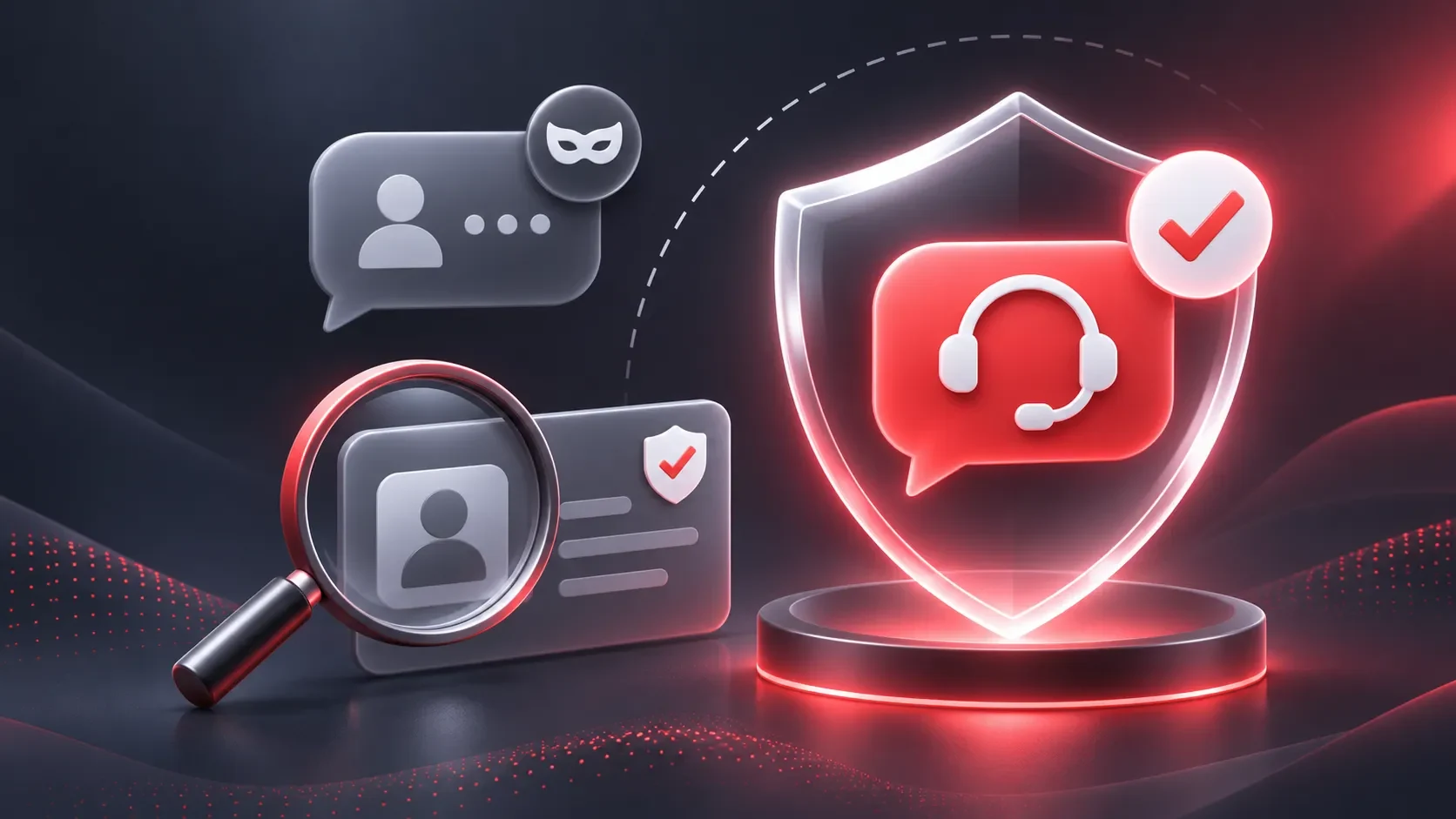
Fake support na scam wey pesin dey pretend to be anoda person or organisation. Pesin go claim say dem represent Deriv and contact you through email, social media, messaging apps, phone calls or website wey look like di real one. Dia goal fit be to collect personal details, send you go fraudulent site, convince you to make payment, or pressure you to act before you verify di request.
Message fit look professional and still be fraudulent. Scammers fit copy branding, reuse staff names and write messages wey appear to relate directly to account issue. Focus on di request and di channel, no be only how di message look.
Deriv warn say scams fit misuse im name, logo and oda details through fake websites, social-media profiles, emails, messages and phone calls.
Common fake-support situations
Scammer fit claim say:
- Problem dey wit your deposit, withdrawal or account verification.
- Dem go restrict your account unless you act immediately.
- Dem fit recover funds, release payment or fix trading issue.
- You need to move di conversation go WhatsApp, Telegram or anoda app.
- You need to pay fee, transfer money or install software to receive help.
Some messages fit arrive afta you mention payment delay or account issue publicly. Scammers fit search for dis kind posts and contact pipo wey likely need help. Keep questions about your account within official support channels and avoid posting sensitive screenshots publicly.
Check di contact channel, no be only di name
Pipo wey dey impersonate Deriv often use names wey almost identical to official account name. Letter wey dem change, additional word, similar character or email domain wey no relate fit easy to miss wen you just glance at am.
Check di complete email address
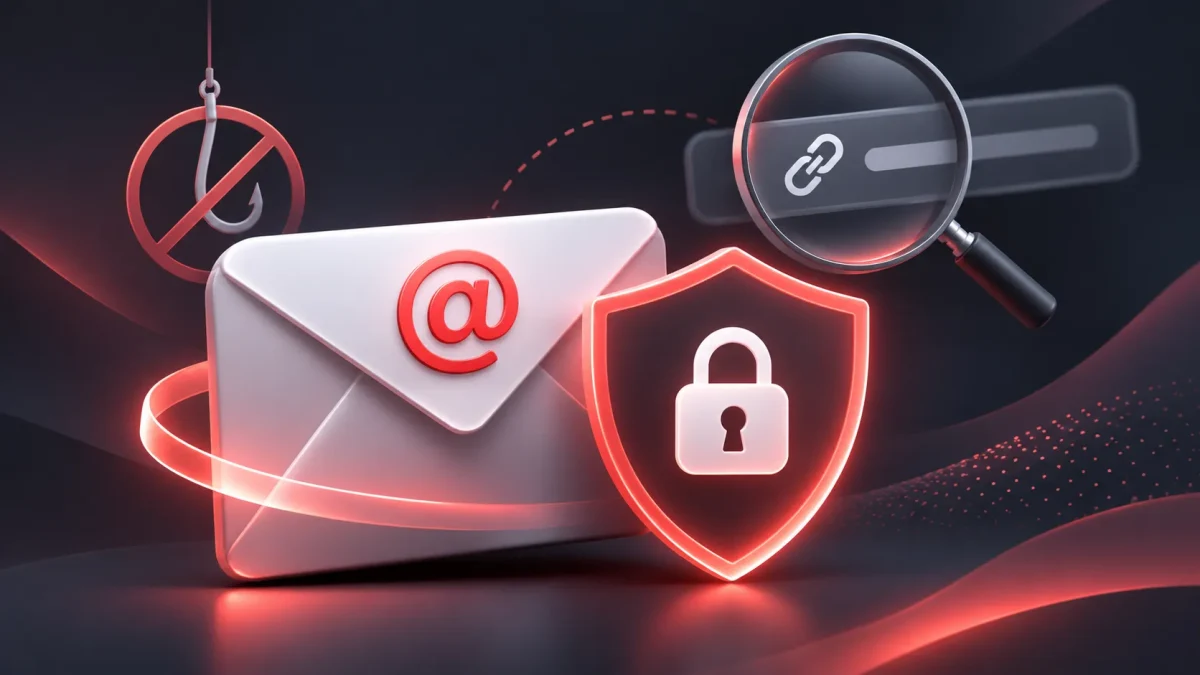
No rely on di sender name wey appear for your inbox. Open di message details and check di complete email address and domain.
Deriv official guidance say emails dey come from addresses wey end wit deriv.com. You should treat unfamiliar domain, misspelling or extra character as warning sign.
Even if di sender address look familiar, be careful wit unexpected links, attachments or requests for personal information. Open Deriv directly through your usual browser bookmark or di official app instead of using link wey dey inside di message.
Check website addresses carefully
Fake website fit look very similar to di real one. Before you enter any account information, check di complete website address for di browser bar. Watch out for misspellings, extra words, unusual domain endings or pages wey you reach through shortened links.
Deriv advise clients to access accounts only through official websites and apps, check website addresses carefully, and use contact details wey dey published on di official website.
No trust profile picture alone
Social-media profile fit use Deriv branding, display name wey look convincing or posts wey dem copy. Phone caller fit appear to have caller ID wey you recognise. Dem fit easily imitate dis tins, so you no should treat dem as verification.
If you need help, first open di official Deriv website or app, then find di support option for dia.
Know di warning signs
One unusual detail alone no always prove say message na fraudulent one. But wen several warning signs appear together, na strong reason to stop and verify am independently.
Pressure to act now
Scammers often create urgency: “Your account go close today,” “Your funds dey at risk,” or “Dis offer go expire in minutes.” Dia aim na to reduce di time wey you spend to check di request.
You should recognise pressure, suspicious links and attachments, unknown senders, and promises of easy money as common phishing signs.
Take your time. You fit check genuine account concern through official support.
Requests to move off-platform
Be careful if pesin ask you to continue support conversation for personal WhatsApp, Telegram or social-media account. For Deriv P2P context, Deriv no go contact clients from personal WhatsApp, Telegram or social-media account.
Keep account support within official channels. Dis give you clear way to return to verified help and make am harder for impersonator to control di conversation.
Requests for money or credentials
No make payment, transfer funds, install remote-access software or share account credentials because pesin wey claim to be support ask you to do am. Deriv no go ever ask for passwords or private keys, and im risk disclosure say make you no share passwords, PINs, one-time passcodes or oda security credentials.
Use official Deriv support safely
Di safest way to contact support na to start from di official Deriv website or app. From dia, go to di Help Centre or live chat instead of using contact details wey dey inside message you no expect.
Deriv Contact us page direct clients to im Help Centre and live chat, wey dey available 24/7.
Wetin to share wit official support
Support fit need enough information to understand di issue, like description of wetin happen, di relevant date and time, or screenshot wey you don remove sensitive information from. Before you send anything, check say e no reveal:
- Passwords, PINs or one-time passcodes
- Authenticator-app or recovery codes
- QR codes wey dem use to set up 2FA
- Full payment-card or bank-account details
- Personal documents, unless dem request dem through official process wey dem don verify
Use tool wey dey hide information or crop screenshots make dem show only di information wey you need to explain di issue.
Wetin you go do if pesin wey dey impersonate contact you
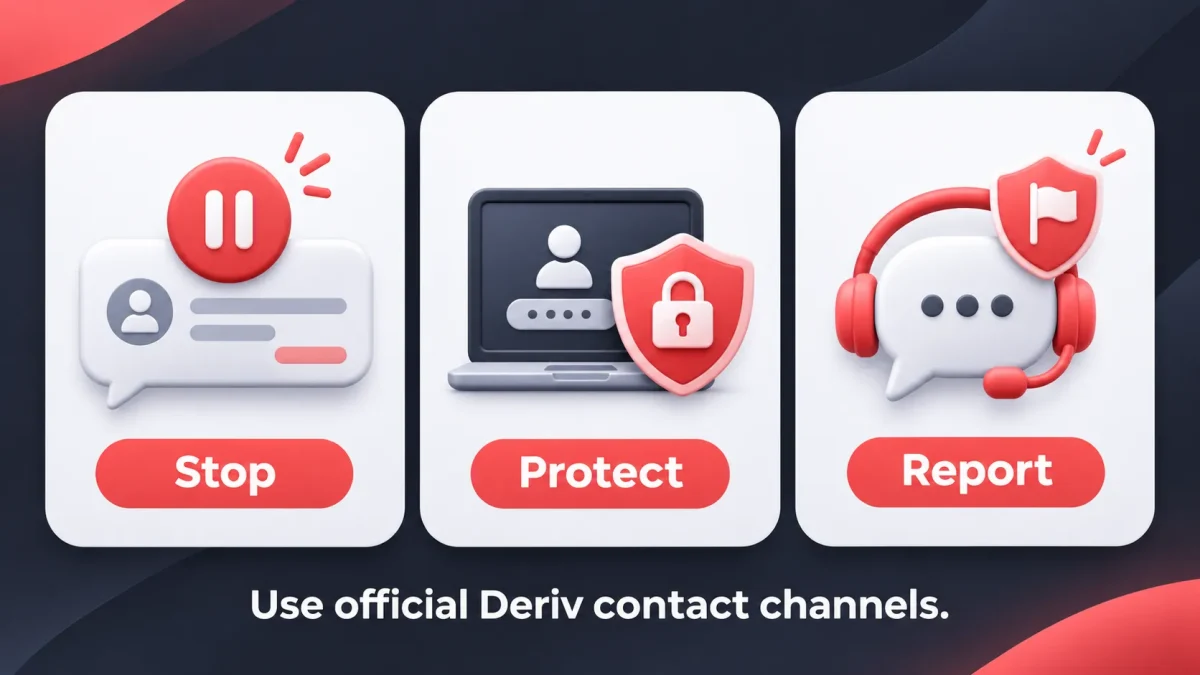
No argue wit di pesin or try to test whether di pesin na who dem claim to be. End di conversation and use trusted way to contact support.
- No click links, open attachments wey you no expect or install software.
- No send money, credentials or account screenshots wey contain sensitive details.
- Take screenshot of di suspicious profile or message if you fit do am without exposing your own information.
- Block and report di account for di platform wey e dey.
- Open Deriv directly and contact official support through live chat or di Contact us page.
- If you share your credentials or enter dem for suspicious page, change your password quickly and check your 2FA and email security.
Take di next step
Save di official Deriv website or app as di place to start wen you need help wit your account. If message wey you no expect claim say na support, pause and use di official Help Centre or live chat to verify am before you do anything.
Quiz
Wetin you suppose do if pesin wey say dem be support dey pressure you to act immediately?
FAQs