Skip go di main content

Trade on TradingView.

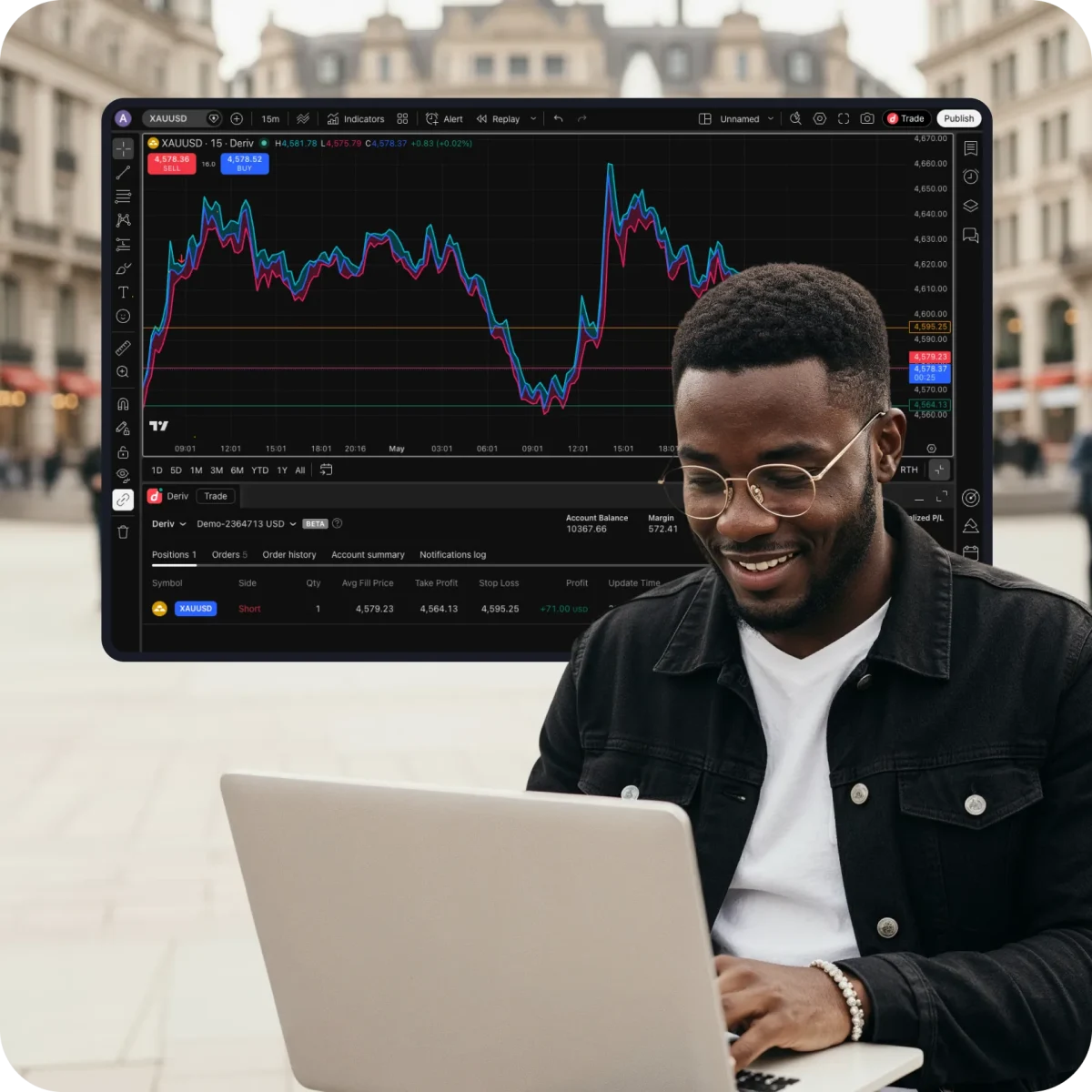
Use TradingView to analyse markets, build strategies, and trade directly from charts. You fit get access to advanced charting capabilities, 400+ built-in indicators, news alerts, and trade global markets alongside our exclusive 24/7 Synthetic Indices.

Di charting and trading platform wey millions of pipo trust

400+ indicators wey you fit use do detailed analysis

Indicators wey dey inside, powerful asset screeners, alerts, and strategy testing wit historical data.
Charts wey lead for di industry

17 chart types, 110+ drawing tools, and deep customisation wey fit work for any trading style.
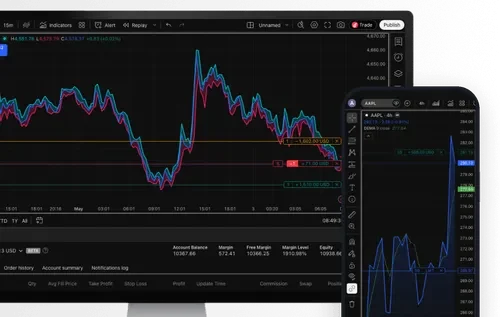
News and alerts wey dey come as e dey happen

Set custom alerts for price, indicator, or trendline, and get notification immediately when di market move in your favour.
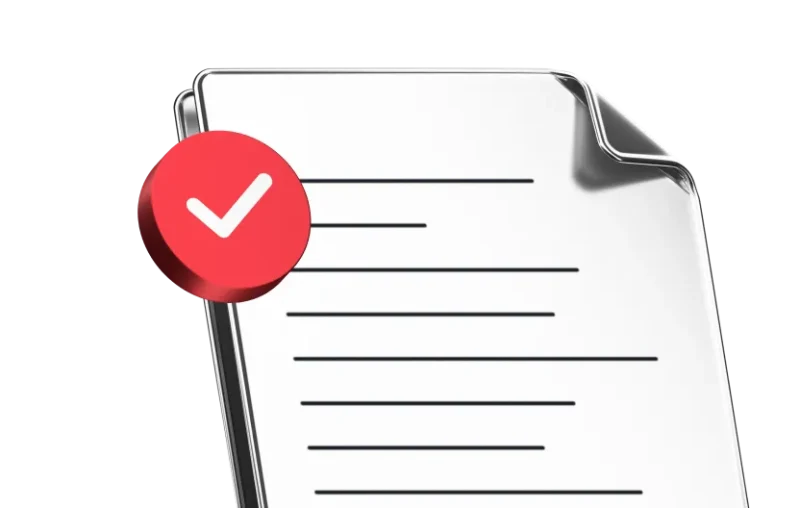
E dey available for mobile and desktop

Android & iOS

Get TradingView
googleplayappstoreweb

How you fit access TradingView

  1. Register for one account.

    Register for one free Deriv account and one free TradingView account.

  2. Find TradingView for your Deriv dashboard

    You go see am under di CFDs section, then click Connect to TradingView.

  3. Connect your accounts

    For TradingView, click Connect to link your accounts.

  4. Start trading

    Choose your favourite instrument, then start to trade directly on TradingView charts.

Common questions about TradingView

Go to tradingview.com and sign up wit your email or social media accounts.
TradingView dey work wit all modern browsers, and e get desktop and mobile app wey you fit download from dia website.
You fit trade di top global financial markets like forex, stocks, commodities, crypto, and more, plus 24/7 Synthetic Indices like Volatility Indices, Crash/Boom Indices, Step Indices, Jump Indices, and more.
Afta you connect to TradingView, you fit manage your funds, including deposits and withdrawals, through your Deriv Wallet.
Different ways dey to do dat — you fit always check TradingView help centre or YouTube channel for useful information, or ask for feedback through support tickets for TradingView.
Yes, you fit access TradingView charts free through your Deriv account. Some advanced features and tools fit need paid TradingView subscription.
Yes, you fit use your Deriv demo account wen you trade for TradingView charts. You fit also use di Paper Trading feature for TradingView, wey dem design to execute simulated trades without putting real money at risk. To practise trading wit Paper Trading, open chart, den open di Trading Panel, and select Paper Trading. Make you note say dis type of trading no dey show di real speed and order execution wen you trade wit your Deriv account.

Join 3M+
traders from around di world

Open account within minutes and begin trade for di world markets — forex, stocks, indices, and more.

WhatsApp