
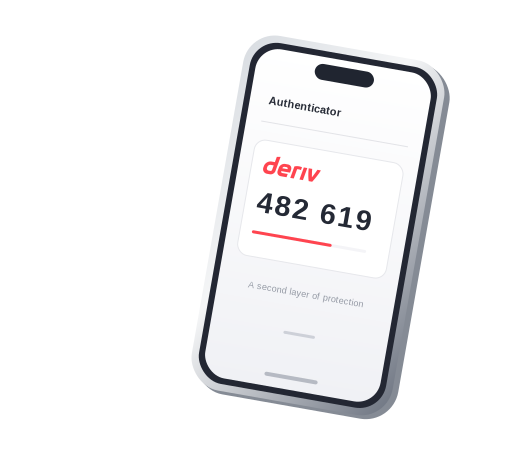

Set up two-factor authentication
Add extra step to your login wit authenticator app.
Protect your email account
Na your inbox dey receive password reset messages and security alerts. Make sure say na only you fit access am.
Make your password stronger
Use strong, unique password and keep am for safe place.
Recognise suspicious messages
Look out for warning signs and check requests wey claim say dem come from Deriv before you reply.
Check your account phone number
Make sure say na your contact details dey dia and say dem dey up to date.
Keep codes and screens private
Know wetin to do if pesin ask for code, access to your screen, or payment screenshot.
FAQs about account security
Wetin be authentication wey get two steps (2FA)?
How I go take turn on 2FA for my Deriv account?
Wetin I fit do if I no fit access my authenticator app?
Wetin I go do if I suspect say pesin don get access without permission?
How I fit check if message really come from Deriv?
E safe to share my screen or payment screenshot to get help?
