Your email address na more than contact detail for your Deriv account. E fit receive password-reset instructions and security verification codes, so wen you protect am, e dey help protect your access to Deriv. Dis guide explain how you fit secure your email, recognise phishing attempts, and respond calmly if anything look wrong.
Short summary
- Use strong password wey you no dey use for any oda account and two-factor authentication (2FA) for your email account.
- If you receive login alerts, password-reset emails, or urgent messages wey you no expect, take dem as sign say you need to verify wetin happen—not to click immediately.
- Open Deriv directly through di official website or app instead of following links wey dey messages you no ask for.
- No share passwords, one-time codes, or recovery codes wit anybody.
- If you suspect say somebody don gain unauthorised access to your email, secure your email first, then change your Deriv password and contact Deriv through official support channels.
Why your email dey important to your Deriv account
Dem fit use your registered email for important account-security processes. For example, Deriv password-reset process dey send instructions to di registered email address, and some account actions fit require one-time password (OTP) wey dem go send there. Dis make email security an essential part of protecting your account access—not separate task.
If somebody gain control of your inbox, dem fit read security notifications, request password resets, or intercept verification messages. Wen you protect your email account, e dey help ensure say na only you fit act on those messages.
Start wit email password wey you no dey use elsewhere
Unique password na password wey you no dey use for Deriv, social media, shopping sites, or any oda service. If password from anoda website become exposed during a breach, using di same password again fit put multiple accounts at risk.
Choose long password or passphrase wey go hard to guess. Reputable password manager fit generate and store unique passwords, so you no go need to remember all of dem.
Enable 2FA for your email—and for Deriv
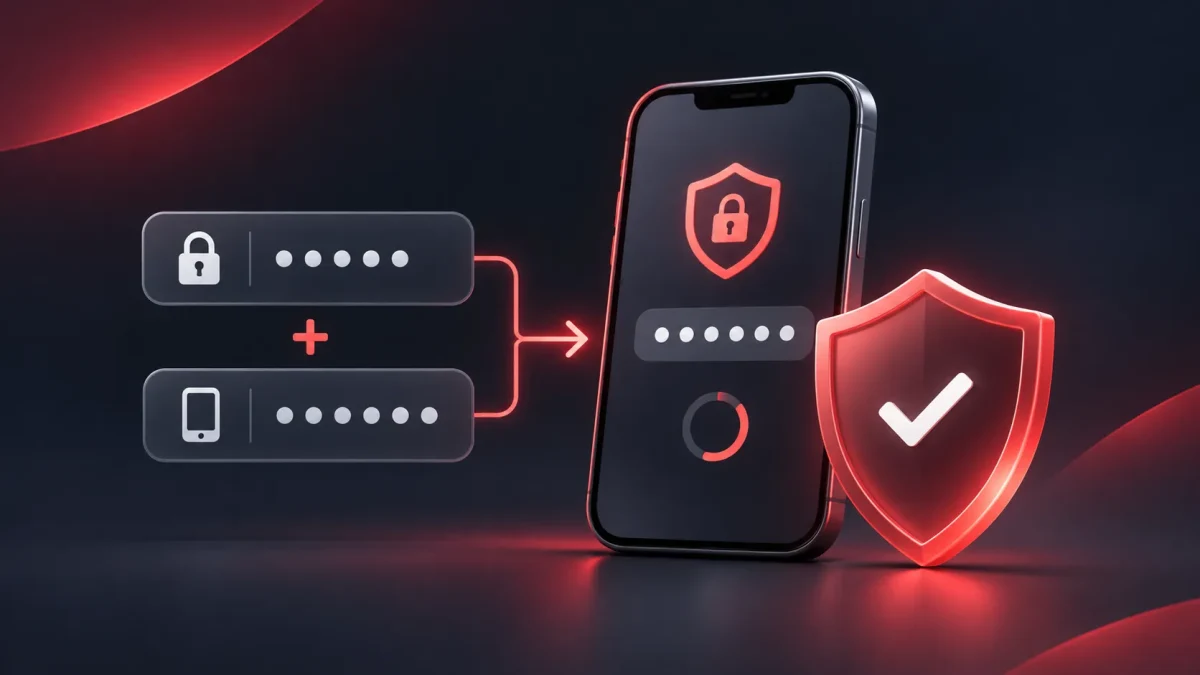
Two-factor authentication dey add second check afta your password. For email, authenticator app generally na stronger option than relying only on text-message codes, because e dey less exposed to risks like SIM-swap attacks.
Enable 2FA for di email account wey you link to Deriv, then enable am for your Deriv account too. Dem na separate protections: if you secure only one, di oda one go dey more exposed.
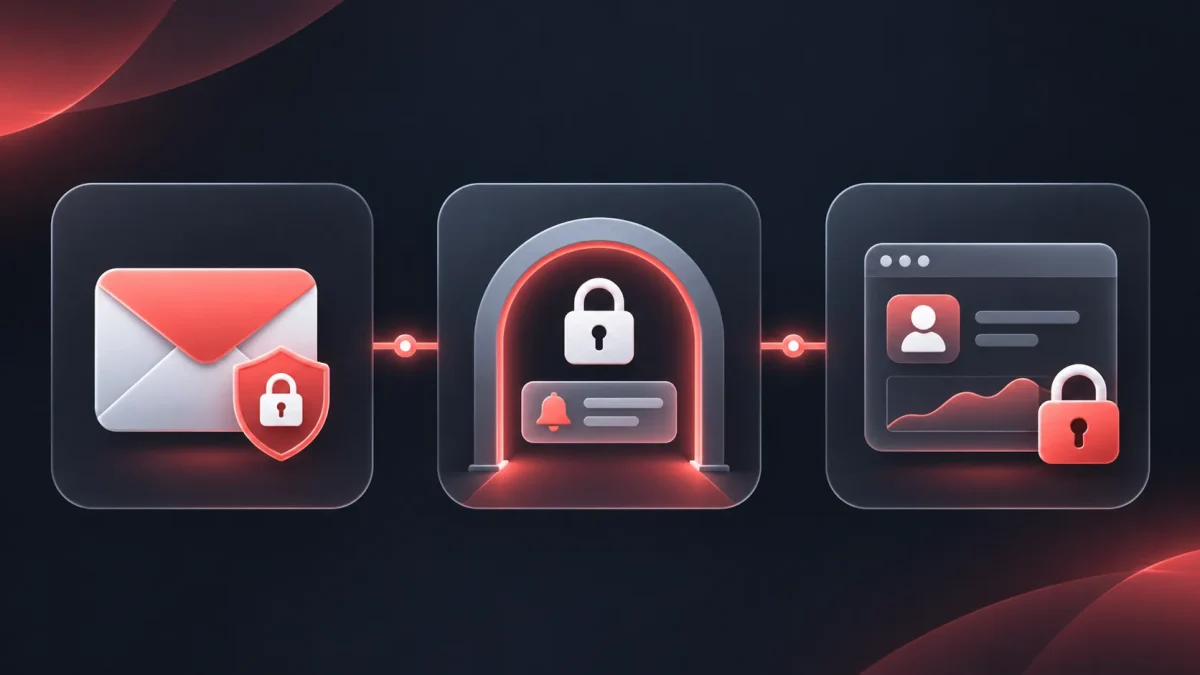
Recognise phishing before you interact
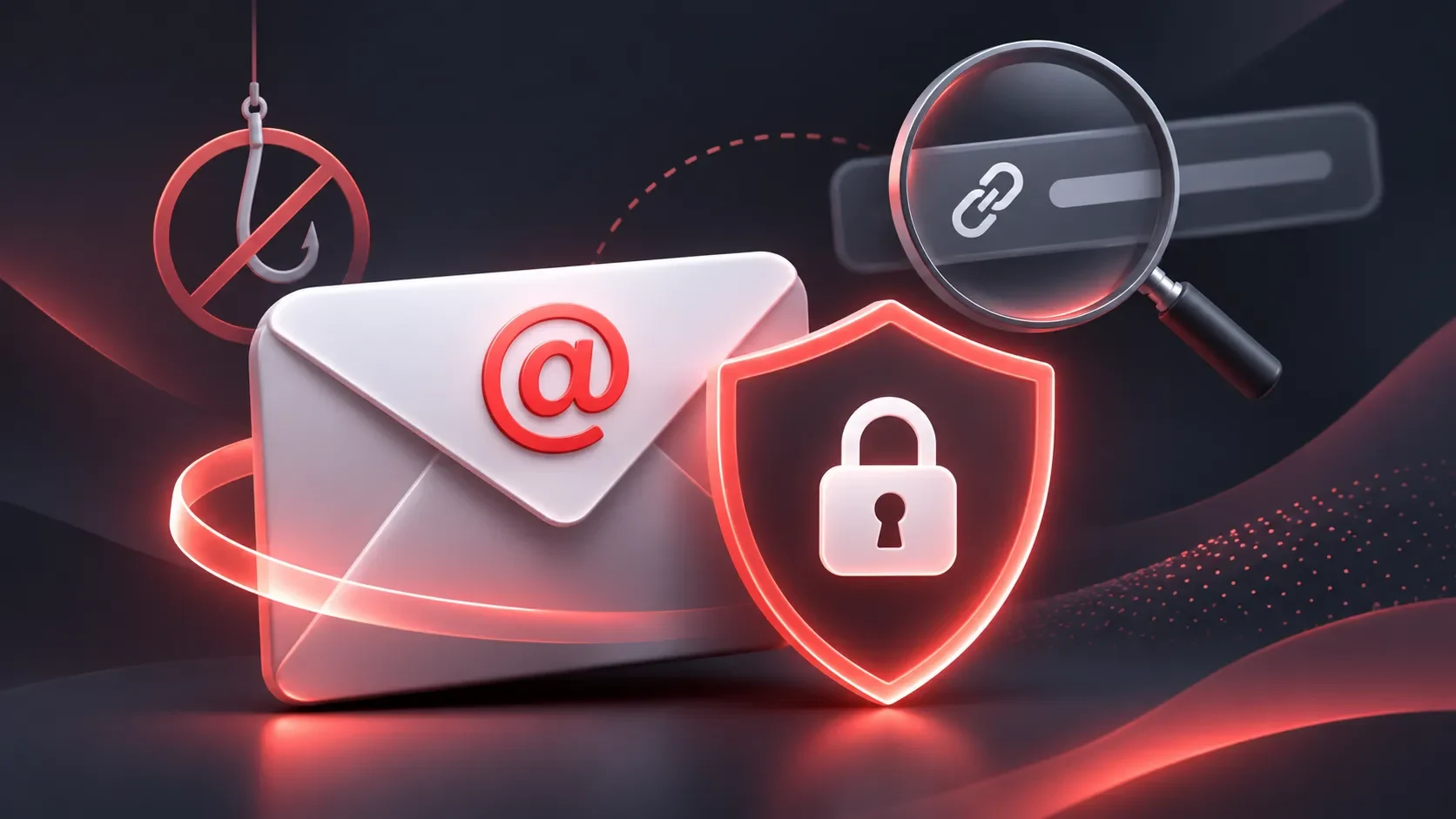
Phishing na attempt to trick you make you reveal information, click harmful link, download malware, or sign in to fake website. E fit come through email, message, social media, or phone call, and e fit imitate brands wey you know.
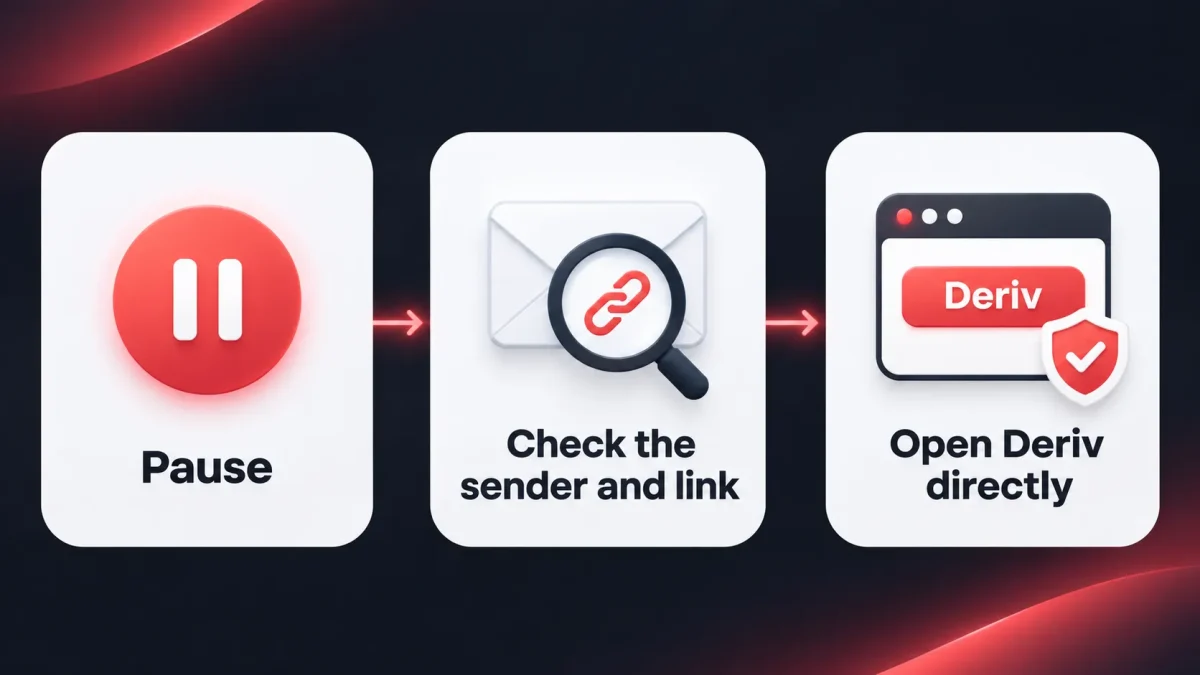
Logo or display name wey look convincing no be proof say message na genuine. Pause and check di details before you respond.
Check di full sender address and destination
Check di full sender address, no be only di name wey show for your inbox. Fraudulent addresses fit contain spelling errors, extra words, or domains wey no relate to di sender. Deriv dey advise clients to dey careful wit messages from addresses or profiles wey look like official ones but contain spelling errors.
Before you select link for your desktop, move your cursor over am to check di destination. For mobile, e usually safer to avoid di link completely: open your browser or di Deriv app yourself, then sign in through di official route.
No enter your password, OTP, 2FA code, recovery code, or financial details afta you follow link wey dey message you no ask for.
If message dey create urgency, take am as reason to slow down
Phishing message fit claim say dem go close your account, payment dey wait for you, or say you need to act immediately. Di goal na to put pressure on you before you get time to check di request.
Instead of acting immediately, stop and verify di request independently. Open Deriv from bookmark wey you don save, type di official address for your browser, or use di Deriv app. If you need help to decide whether message na genuine, contact Deriv through di official contact options.
Dey careful wit files and attachments
Attachments wey you no expect fit contain malicious software. No download files from messages wey you no ask for, especially executable file types like .exe, .com, .bat, or .scr. If you no dey expect document, verify di request through trusted channel before you open am.
Build safer email routine
Security dey most effective wen you make am routine instead of responding only wen something scare you. Review your email account security settings from time to time, especially afta you change devices or passwords.
Review recovery options and active sessions
Keep your recovery phone number and backup email address up to date, but make sure say those recovery channels dey secure too. Review di devices and active sessions wey dey listed for your email provider security settings. Sign out of devices or sessions wey you no recognise.
Avoid forwarding rules wey you no create. Attackers wey gain access to inbox fit add automatic forwarding rules to receive copies of security emails even afta you change your password.
Keep software and devices up to date
Install updates for your phone, browser, operating system, and authenticator app. Updates often include security fixes. Use screen lock for your phone or computer, and avoid signing in to financial accounts from public or shared devices.
For shared devices, no save passwords for di browser, no remain signed in, and no leave recovery codes wia oda pipo fit access dem.
Protect recovery codes
Some email providers dey issue recovery codes wen you set up 2-factor authentication (2FA). Store dem for secure location, like password manager or through anoda protected offline method. Treat dem like passwords: no email dem to yourself as plain text, no share dem, and no store dem for note wey no dey protected.
Wetin to do if you think say somebody don gain unauthorised access to your email
Take di steps carefully and in order. Di priority na to regain and secure control of di email account before you rely on am to make changes to oda accounts.
- Go directly to your email provider official website or app—no use link from alert email.
- Change di email password to a new, unique password.
- Sign out from sessions wey you no recognise and remove devices, recovery addresses, phone numbers, forwarding rules and app connections wey you no know.
- Enable or set up 2FA again using an authenticator app where e dey available. Save your recovery codes for a secure place.
- Change your Deriv password through di official Deriv Log in or account settings, and check say 2FA still dey enabled.
- Contact Deriv through official support if you believe say anoda pesin fit don access your Deriv account.
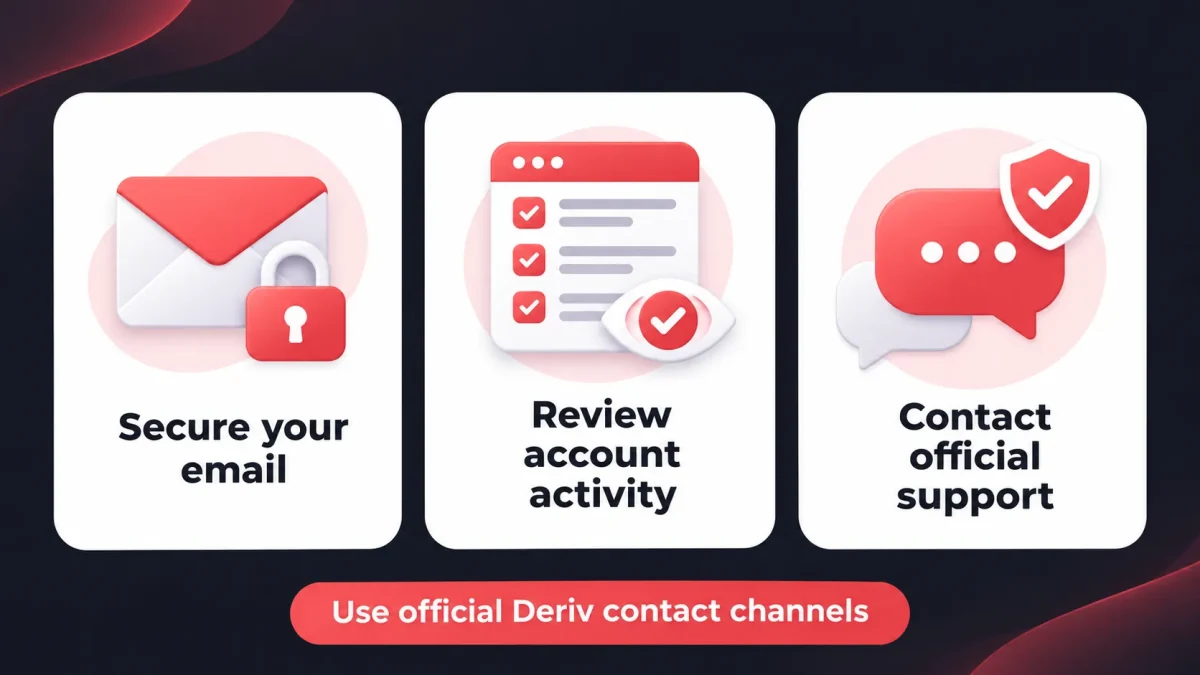
Checklist wey you fit use for messages wey mention Deriv
Before you respond to an email, message or social post wey mention your Deriv account, ask yourself:
- I bin dey expect dis message?
- Di sender complete address match an official Deriv address wey end wit deriv.com?
- Di message dey pressure me to act quickly, share information or move money?
- I fit verify di request by opening Deriv directly instead of using dis link?
- Di message dey ask for a password, OTP, 2FA code or recovery code? If na so, stop and verify through official support.
Dese questions no prove say a message dey safe, but dem help you pause before you take a sensitive action.
Take di next step
Review di security settings for di email account wey you link to Deriv today: use a unique password, enable 2FA, check recovery methods and remove sessions wey you no recognise. Afta dat, review your Deriv account security settings and enable 2FA if you neva do so.
Quiz
Wetin you suppose do first if you believe say pesin don access your email account?
FAQs