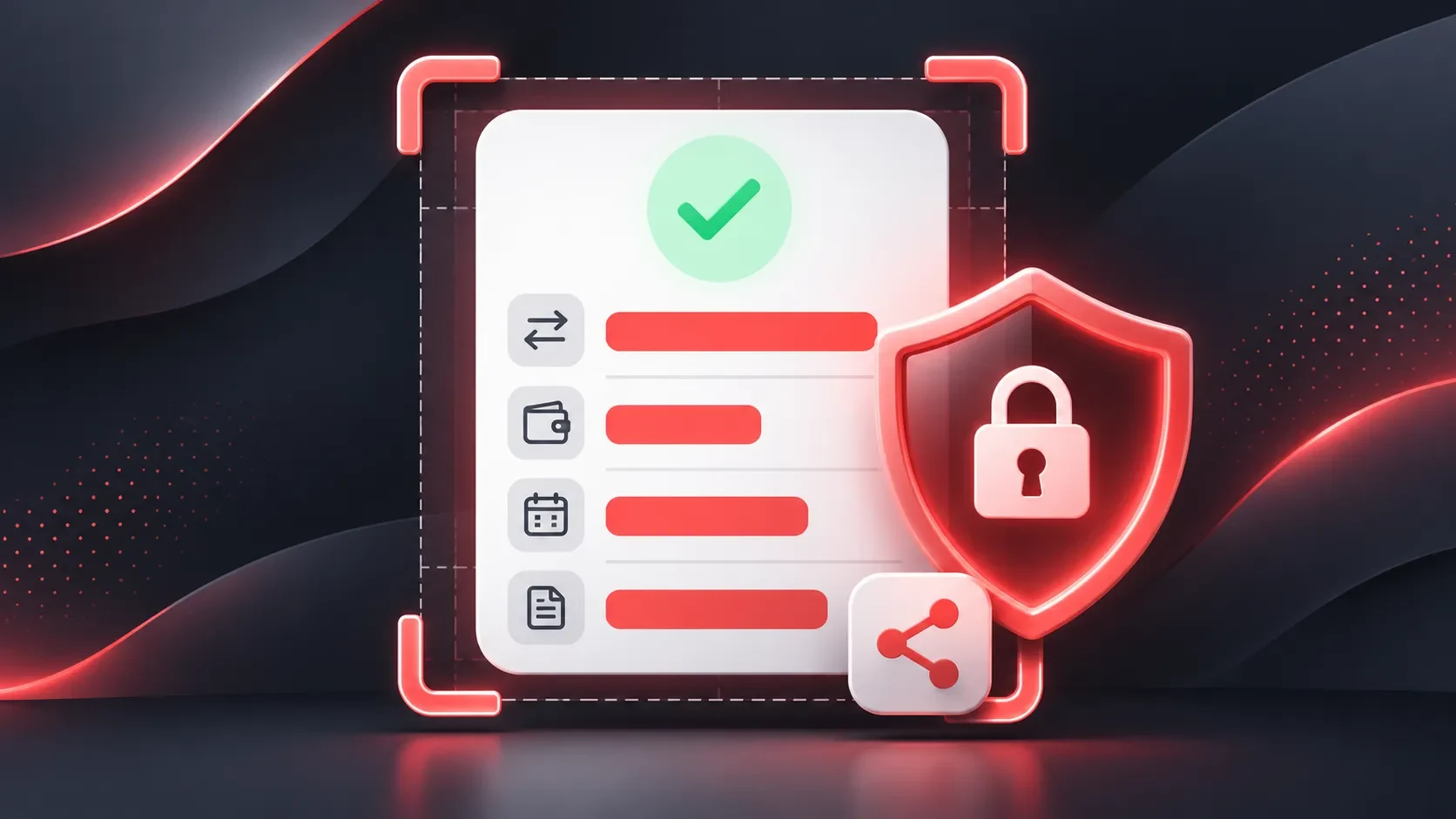
Screenshot fit help you explain deposit, withdrawal or payment issue wey dey delay, but e fit also show account, transaction or personal information. Dis guide explain wetin you need to keep private, how to cover sensitive information for screenshot, and how to share payment evidence through di correct Deriv support channel.
Quick summary
- No post deposit or withdrawal screenshots publicly for social media or community forums.
- Check screenshots for account numbers, transaction references, Balance, bank details, personal information and security codes.
- Crop or cover anything wey you no need to explain di issue.
- Share supporting evidence only through official Deriv support channel.
- Keep di original screenshot wey you neva edit for safe place, in case official support ask for more details.
Why you need to handle payment screenshots carefully
Screenshots fit be useful evidence wen something no look right. Dem fit show dates, times, transaction status or error messages wey go help our support team understand di issue.
But di same image fit show more information than you intend. Payment screen fit contain account number, transaction reference, payment method, Balance, card details, bank information, email address or device notifications. If you post dat information publicly, impersonators fit copy, share or use am to make fraudulent message look more convincing.
Public posts fit attract di wrong attention
E dey understandable if you post online wen payment seem to dey delay. But public posts fit attract responses from pipo wey claim say dem fit “release” withdrawal, “speed up” deposit or “recover” funds.
No put information about your account for public comments and direct messages. Instead, start your support request through official Deriv channels.
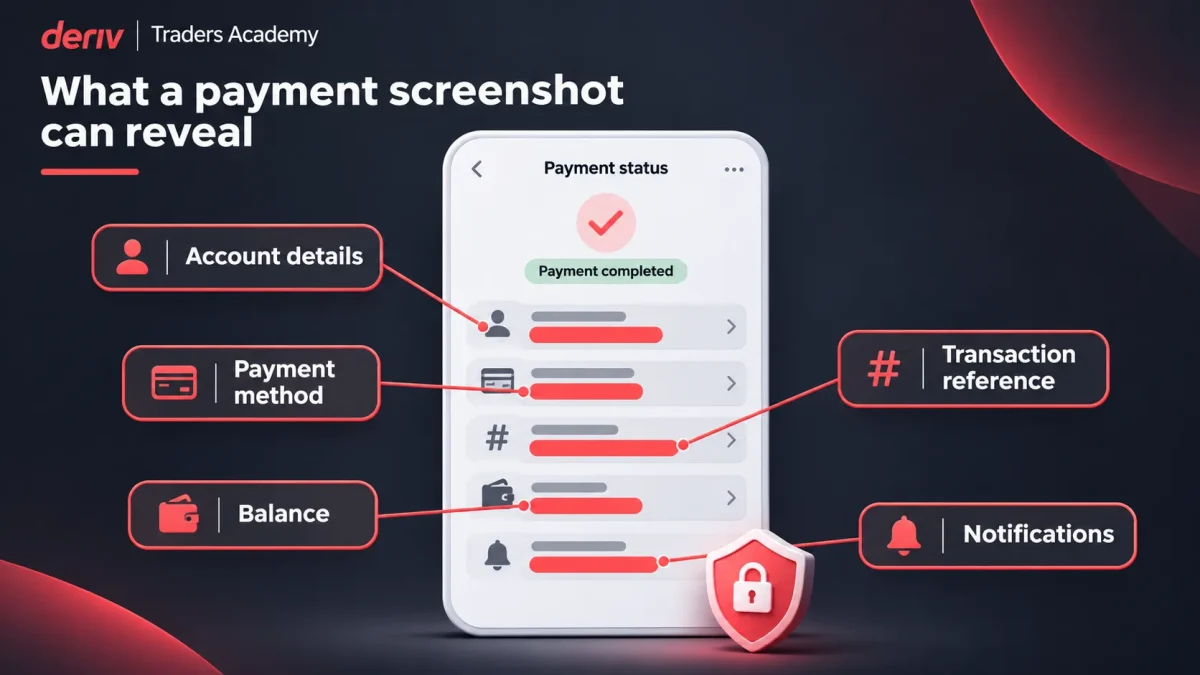
Wetin to remove before you share screenshot
Before you send screenshot outside di official support process, check am carefully. Hide or crop any information wey no dey necessary to explain di issue.
Information wey you need to cover
Cover or crop:
- Account number, login email or user ID
- Full name, address, phone number or date of birth
- Full card number, bank account number, wallet address or payment credentials
- Transaction references, unless official support agent request dem through verified channel
- Account Balance, trading history or transactions wey no relate to di issue
- Passwords, PINs, one-time codes, recovery codes or QR codes
- Browser tabs, notifications and oda apps wey dey visible for di device
No rely on thin line wey you draw ova text. Use proper redaction tool wey go permanently cover di information, or crop di image so dat di details no dey included at all.
Make sure say di evidence relate to di issue
Useful screenshot dey specific. E suppose show di relevant status, date, time and error message without exposing personal information wey no dey necessary.
For example, if screen show error message, crop di image to include di message and di relevant transaction status. Keep di original copy secure, in case Deriv ask for additional details through official channel.
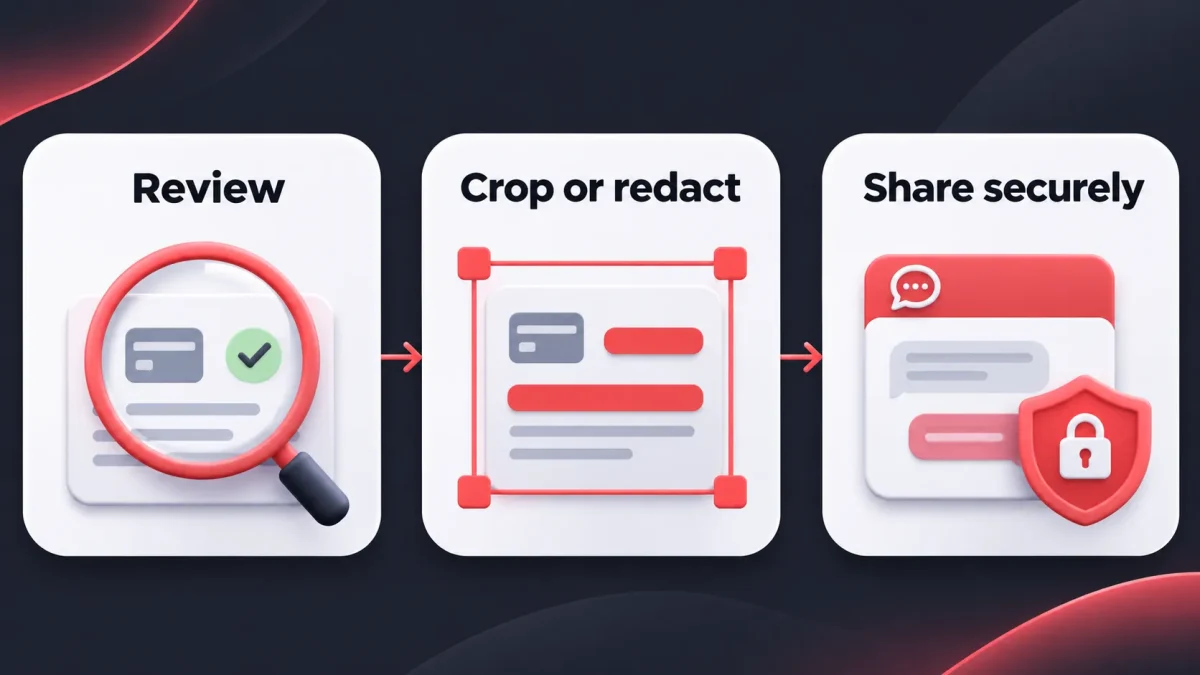
Use official Deriv support channels
If payment dey delay or you need help wit transaction, open Deriv directly through di official website or app. Use di Help Centre or live chat option from there instead of following support links wey dem send for message wey you no expect.
Wen more evidence fit dey necessary
For formal complaint, Deriv Complaints Policy ask clients to provide clear description, relevant dates and times, specific transactions, and supporting documents like relevant screenshots. Di official email address for formal complaints na complaints@deriv.com.
Dis no mean say evri screenshot suppose contain evri detail. Share di information wey dem request through di official channel, and ask di support agent wetin dem need if you no sure. No include passwords, PINs, one-time passcodes, recovery codes or QR codes at all.
Keep payment conversations for di right place
No move account or payment conversation to personal messaging app because somebody offer faster help. For Deriv P2P, Deriv no go contact clients from personal WhatsApp, Telegram or social media accounts.
If somebody offer to resolve issue outside di platform, especially if e involve sending money or sharing credentials, stop and verify through official support.
Safer way to document payment wey dey delay
Use dis simple process wen you need support:
- Open Deriv directly through di official website or app.
- Note di relevant date, time, payment method and transaction status.
- Take screenshot wey show only di issue wey you need to explain.
- Check di image for sensitive information, notifications or oda apps wey dey open.
- Crop or permanently cover anything wey no dey necessary.
- Contact official support through di live chat or WhatsApp on our website and provide only di information wey dem request.
- Keep di original screenshot private and secure until dem resolve di matter.
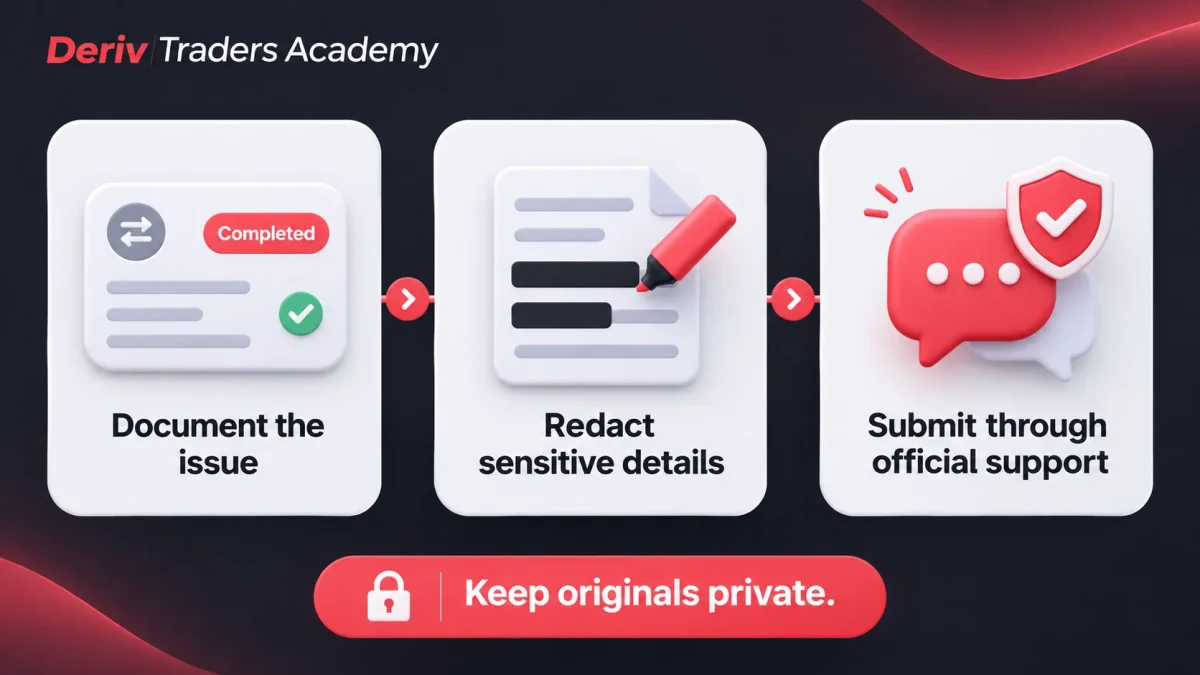
Wetin to do if you don already post screenshot publicly
Act quickly, especially if di image contain personal, payment or security information.
- Delete or hide di post if you fit.
- Remove any follow-up comments wey contain transaction references or account details.
- Check di screenshot for passwords, codes, payment information or personal data.
- Change your password and check your 2FA if you expose account credentials or security codes.
- Be careful wit new messages from pipo wey claim say dem wan help wit di payment issue.
- Contact Deriv through di official website or app if you need support for your account.
Our fraud-prevention guidance advise clients to be careful wit urgent requests, suspicious links and unknown senders, and to verify any concerns through official support.
Take di next step
Before you share any payment screenshot, pause to do quick privacy check: crop di image, cover sensitive details and use only di official Deriv website or app to contact support. Keep di original evidence private and secure.
Quiz
Wetin you suppose do before you share payment screenshot?
FAQs