Strong password dey help protect your Deriv account from access wey you no authorise, but e dey work best wen e unique, you store am safely, and you use am wit two-factor authentication (2FA). Dis guide explain how to create password wey go hard to guess, manage am without using am again for oda accounts, and change am safely wen you need to.
Quick summary
- Use long, unique password for Deriv wey you no dey use for anywhere else.
- Password manager fit generate and store strong passwords, so you no need to rely on memory or notes.
- No ever share your password, one-time passcode, recovery code, or 2FA code.
- Change your password through di official Deriv website or app—not through link for message wey you no expect.
- Enable 2FA to add anoda layer of protection to your account.
Why unique Deriv password dey important
Password na di first check wey dey protect access to your account. If you use di same password for several websites and one of di services suffer security breach, attacker fit try am for oda accounts. Dem dey call dis credential stuffing.
Using unique password for Deriv dey help reduce dat risk. Even if anoda service suffer security breach, e go less likely say different Deriv password go useful to pesin wey dey try access your account.
Deriv dey advise clients to use strong, different passwords and enable account-security features wey dey available, including 2FA.
Strong password no mean say you must fit remember am by all means
Strong password dey hard for anoda pesin or automated attack to guess. E no suppose dey based on details wey easy to find, like your name, date of birth, phone number, favourite sports team, or familiar phrase wey get predictable number for di end.
Long, randomly generated password na generally practical choice because e no depend on personal information or predictable pattern. If you prefer passphrase, use several words wey no relate to each oda instead of quotation, song lyric, or popular saying.
Avoid examples like:
- Deriv123
- Password2026
- Name plus date of birth
- Di same password wey you use for email, social media, or oda financial services
Di goal no be to create clever password wey you fit remember without help. Di goal na to create unique credential and protect am properly.
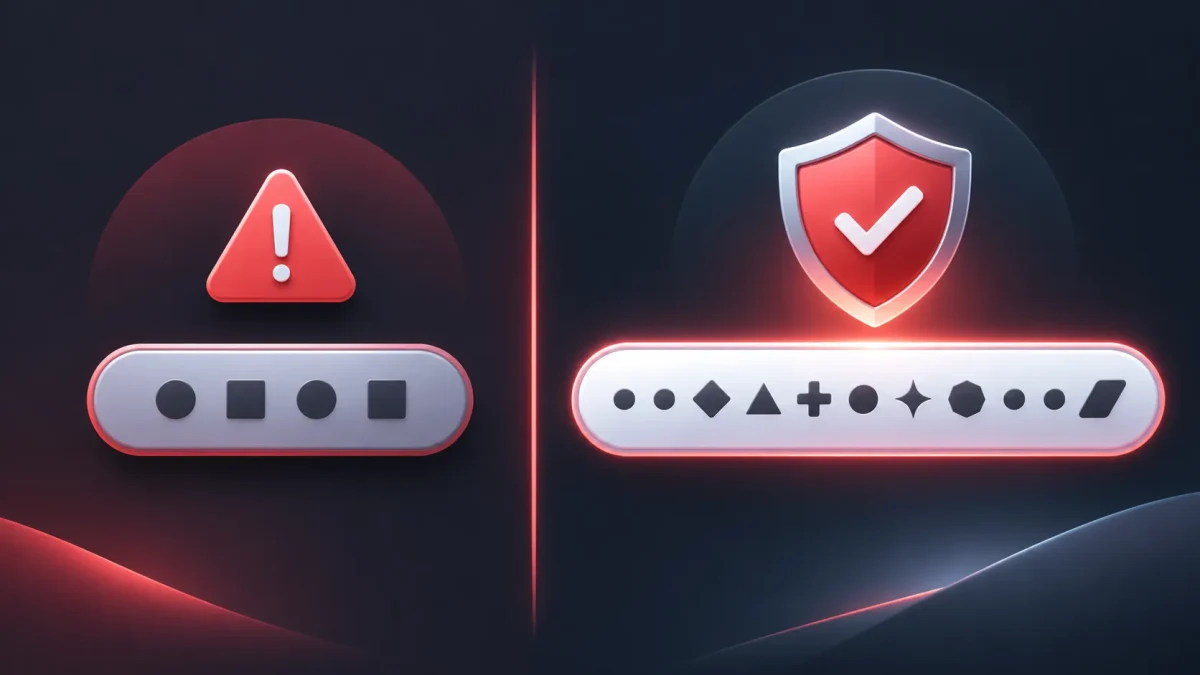
Create password wey you no need to memorise
Di safest routine often na di one wey easiest to repeat: make reputable password manager generate unique password, den save am for encrypted vault. Dis dey remove di temptation to reuse passwords or keep dem for note wey no get protection.
Use password manager wit care
Password manager dey store account credentials for encrypted vault. E fit generate long random passwords, fill dem only for di correct website, and reduce di number of passwords wey you need to remember.
Choose reputable password manager, secure im master password wit long passphrase, and enable 2FA for di password-manager account if e dey available. Keep recovery information for secure place and make sure say you understand how to access your vault if you change or lose device.
Using password manager no mean say you should approve evri autofill prompt. Before you sign in, check say you dey on di official Deriv website or app. If di manager no recognise di website, pause and verify di address instead of typing your password yourself.
Store passwords wia oda pipo no fit easily access dem
No store your Deriv password for email draft, plain-text document, chat message, shared spreadsheet, or note app wey no get appropriate protection. No send am to anoda pesin, even if di pesin claim say dem dey from support.
Avoid saving credentials for browser on shared or public device. If you dey use password-saving feature for your personal browser, protect di device wit screen lock, keep am updated, and make sure say oda pipo no fit sign in to your device profile.
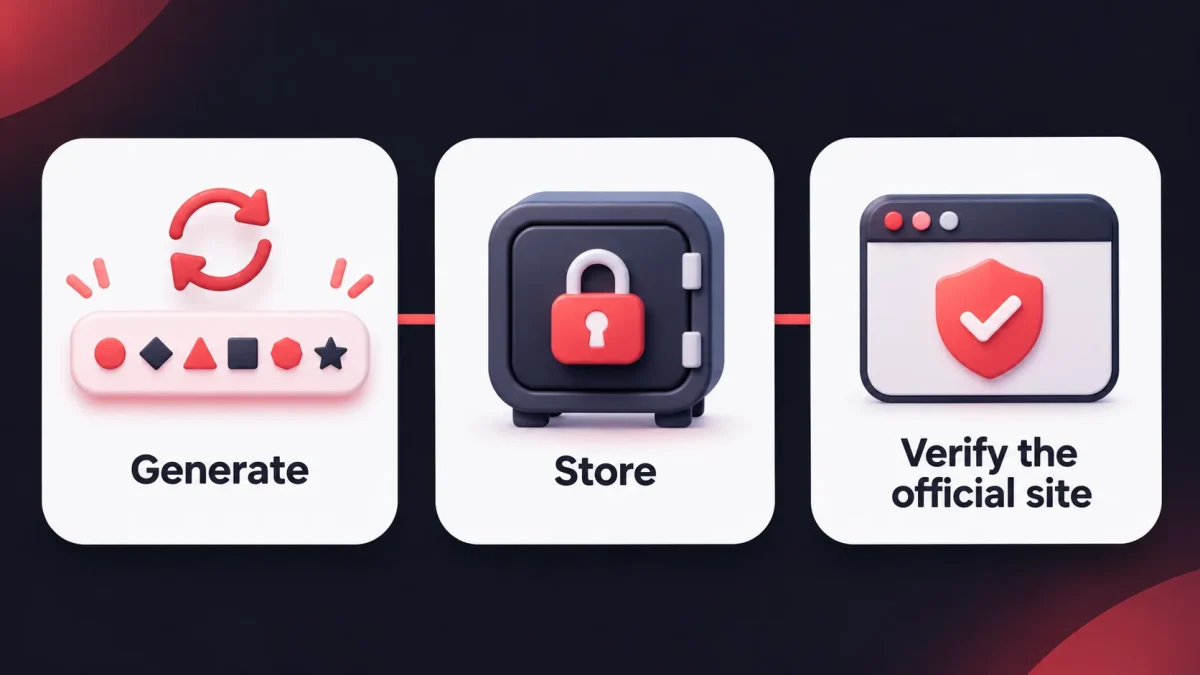
Change your Deriv password safely
Change your password if you believe say e fit don dey exposed, if you enter am on suspicious website, or if you receive security alert wey you no expect. You fit also choose to update am as part of routine review.
Use di official Deriv website or app to start di process. No follow password-reset links for emails, messages, or social media posts wey you no expect.
Update your password from your profile
You fit update your password from your profile by following dis steps:
- Go to your profile.
- Select Change Password under Security.
- Enter di one-time password wey dem send to your registered email to verify di request.
- Set new password.
Reset password wey you forget through di official login route
If you no fit sign in, open di official Deriv login page yourself, enter your email address and select Forgot password? for di next screen. Follow di password-reset instructions wey dem send to your registered email address.
No forward di reset email, share im code, or enter di code for page wey you reach through link wey you no request. Di password-reset process na security action, so handle am wit di same care as login.
Know di account password wey you dey change
Platform credentials fit differ. Deriv cTrader dey use di same credentials as di main Deriv account, while dem dey manage di Deriv MT5 password-reset process from di relevant MT5 account. Check di platform wey you dey use before you change password, so you go update di correct credentials.
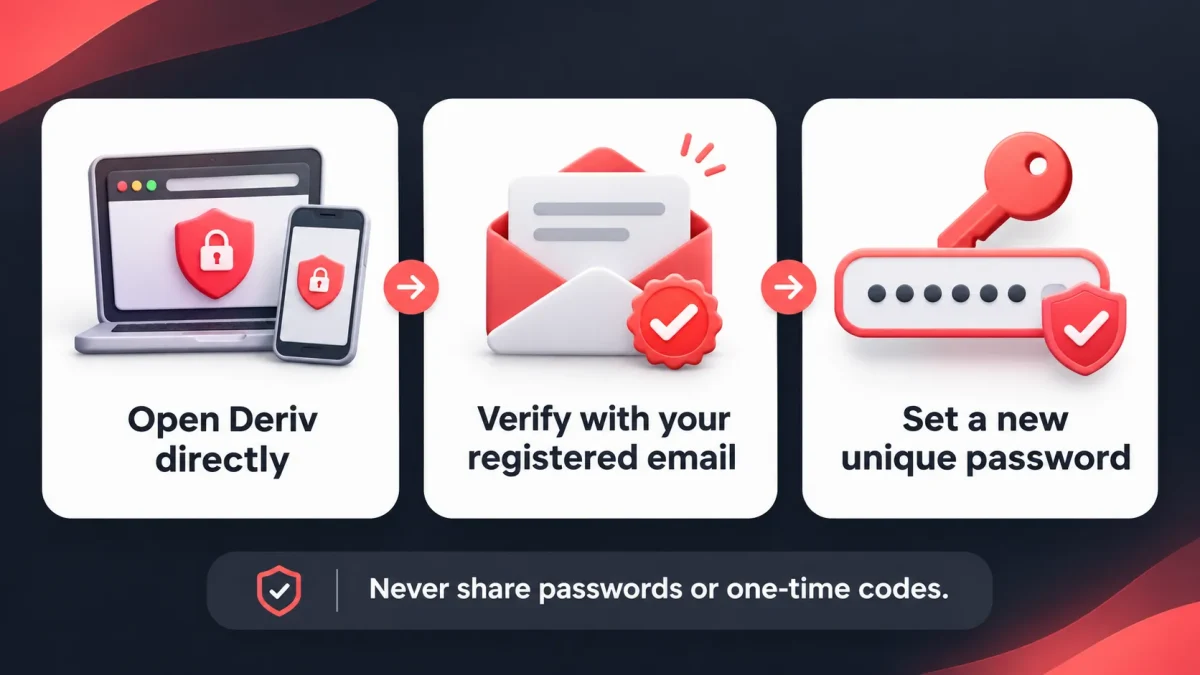
Use your password wit 2FA
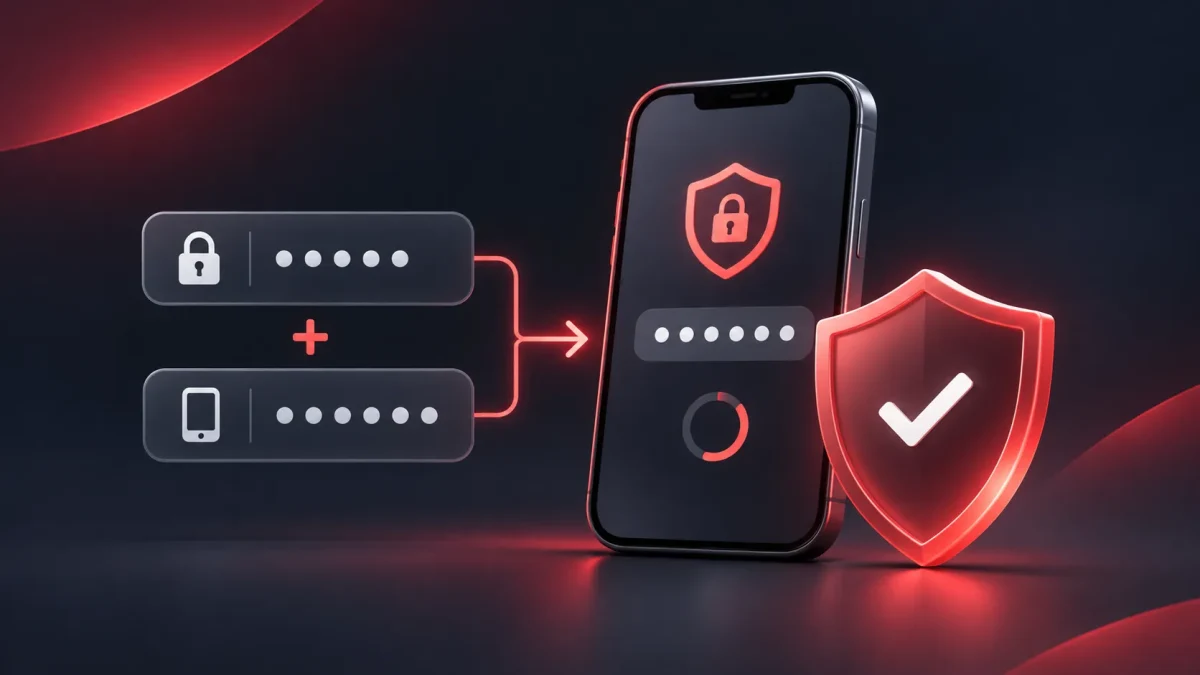
Strong password dey important, but e no be di only layer of protection for your account. Two-factor authentication dey require additional verification step afta your password, and dis dey help reduce di risk say dem fit use stolen password alone to access your account.
Use authenticator app wia e dey available, and keep im recovery information secure. If you change phones, plan di transfer or backup process before you erase di old device or exchange am for anoda one.
Your email account also need protection. E fit receive password-reset instructions and verification codes, so use unique password and 2FA for dat account too.
If you think say somebody don see your password
Act quickly, but no rush click links or respond to messages wey claim say dem wan help. Start wit trusted ways.
- Open Deriv directly through di official website or app.
- Change your Deriv password to a new, unique password.
- Change di password for di email account wey you link to Deriv if e dey use di same password or if somebody fit don access am.
- Review and enable 2FA for both accounts.
- Check for sessions, devices, password reset requests or changes to your email security settings wey you no recognise.
- Contact Deriv through official support channels if you believe say anoda pesin fit don access your account.
Take di next step
Review di password for your Deriv account and di email wey you link to am. If you dey use any of di passwords for anoda account, replace am wit a new, unique password and save am for a reputable password manager, den enable 2FA for both accounts.
Quiz
Which password safe pass to use for Deriv account?
FAQs