Makodhi ekuchengetedza anobatsira kusimbisa kuti chiito chakakosha—chakadai sekupinda muakaundi, kushandura password kana kumisikidza two-factor authentication (2FA)—chiri kuitwa nemi. Nekuti makodhi aya anogona kubatsira kuchengetedza kupinda muakaundi yenyu yeDeriv, anofanira kugara akavanzika nguva dzose. Gwaro rino rinotsanangura kuti makodhi ekuchengetedza chii, sei achidiwa uye mashandisirwo awo akachengeteka.
Pfupiso ipfupi
- Makodhi ekuchengetedza anowedzera danho rekuongorora zviito zvakakosha zveakaundi zvisati zvaitwa.
- Anogona kusanganisira mapassword anoshandiswa kamwe chete, makodhi epaauthenticator app, makodhi ekuseta patsva password nemakodhi ekudzoreredza.
- Isai kodhi imi pachenyu chete pawebsite kana paapp yeDeriv yepamutemo panguva yedanho ramunenge muchitarisira.
- Musambotumira, kuverenga zvinonzwika, kupfuudza, kutora screenshot kana kuisa pachena kodhi yekuchengetedza.
- Kana mukaita tsaona yekupa mumwe munhu kodhi, chengetedzai akaundi yenyu nekukurumidza kuburikidza nenzira dzepamutemo dzeDeriv.
Chii chinonzi makodhi ekuchengetedza?
Kodhi yekuchengetedza chiratidzo chinoshandiswa kubatsira kusimbisa kuti kupinda muakaundi kana chiito chemuakaundi chatenderwa nemi. Kusiyana nepassword, makodhi mazhinji ekuchengetedza ndeenguva pfupi: anogona kupera simba mushure menguva pfupi kana kushanda kamwe chete.
Munogona kusangana nekodhi yekuchengetedza kana:
- Muchipinda muakaundi nemudziyo mutsva kana browser itsva
- Muchibatidza kana kushandisa 2FA
- Muchishandura kana kuseta patsva password
- Muchisimbisa chiito chakakosha chekuchengetedza akaundi
- Muchidzoreredza mukana wekupinda muakaundi
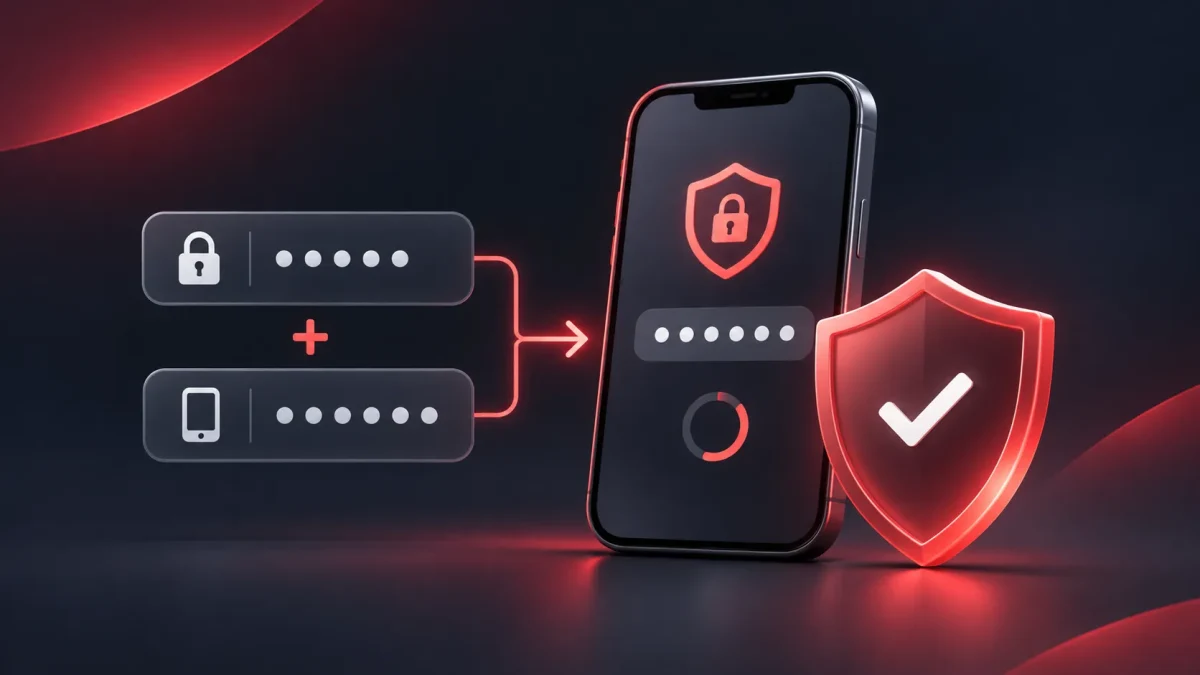
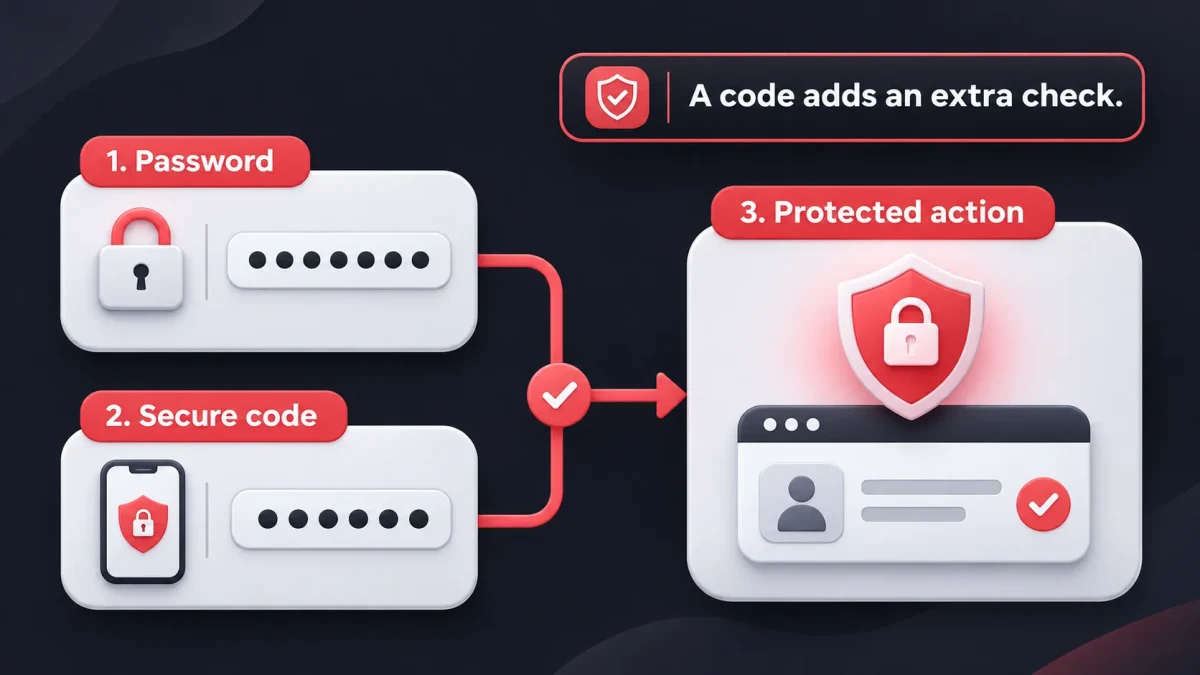
Makodhi ekuchengetedza anobatsira nekuti anowedzera rimwe danho rekuongorora. Kunyangwe mumwe munhu akaziva password, anogona kutadza kupedzisa chiito chakadzivirirwa asina kodhi yekuwedzera iyi.
Mhando dzakajairika dzemakodhi ekuchengetedza
Mapassword anoshandiswa kamwe chete (OTPs) makodhi enguva pfupi anotumirwa kukero yeemail kana nhamba yefoni yakanyoreswa. Anobatsira kusimbisa kuti munokwanisa kushandisa nzira yekutaurirana yakabatanidzwa neakaundi yacho.
Makodhi epaauthenticator app makodhi mapfupi, ane nguva yakatarwa anogadzirwa muauthenticator app. Anowanzoshandiswa pa2FA uye anogara achichinja.
Makodhi ekuseta patsva password anobatsira kusimbisa kuti chikumbiro chekuseta patsva password chatenderwa. Akakosha zvikuru pakuchengetedzwa nekuti anogona kuva chikamu cheurongwa hwekugadzira password itsva.
Makodhi ekudzoreredza kana ebackup makodhi ekukurumidzira anogadzirwa pakumisikidza 2FA. Anogona kubatsira kudzoreredza mukana wekupinda muakaundi kana mukarasikirwa nemudziyo weauthenticator, saka anofanira kuchengetwa zvakachengeteka uye kubatwa semapassword.
Sei makodhi ekuchengetedza achidiwa
Mapassword anogona kufungidzirwa, kushandiswa zvakare kana kubudiswa pachena kuburikidza nekupoyewa kwedata kana kuyedza kubiridzira kwephishing. Kodhi yekuchengetedza inobatsira kuderedza njodzi yekuti password yoga ingashandiswa kupinda muakaundi kana kuita shanduko yakakosha.
Semuenzaniso, pamunoshandura password yeDeriv kubva paprofile yenyu, Deriv inogona kutumira password inoshandiswa kamwe chete kuemail yenyu yakanyoreswa kubatsira kusimbisa chikumbiro chacho. Munoisa OTP iyoyo imi pachenyu sechikamu cheurongwa hwepamutemo, mozogadzira password itsva.
Danho rekuwedzera iri harisi vimbiso inodzivirira njodzi dzose, asi rinoumba mudhuri wekudzivirira wakakosha. Rinosimbisa kuti munhu ari kuita chikumbiro ane mukana wekushandisa nzira yekusimbisa inodiwa panguva iyoyo.
Makodhi ndeenyu kuti muise pachenyu, kwete ekupa vamwe
Kodhi yekuchengetedza harisi ruzivo rwekugovera mumwe munhu. Chirairo chekuti mupedzise danho rekuchengetedza rakatarwa imi pachenyu.
Rangarirai musiyano uyu:
| Chiito chakachengeteka | Chiito chisina kuchengeteka |
|---|---|
| Kuisa kodhi imi pachenyu pawebsite kana paapp yeDeriv yepamutemo | Kutumira kodhi muchat, muemail kana mumeseji yepasocial media |
| Kushandisa kodhi padanho ramakatanga imi pachenyu | Kupa kodhi kumunhu akubatai zvisingatarisirwi |
| Kuchengeta makodhi ekudzoreredza munzvimbo yakadzivirirwa | Kuchengeta makodhi ekudzoreredza muchinyorwa chisina kudzivirirwa kana muscreenshot |
| Kuvhura Deriv zvakananga musati maisa kodhi | Kutevera link isina kusimbiswa kuti muise kodhi |
Pazvinenge zvakachengeteka kuisa kodhi
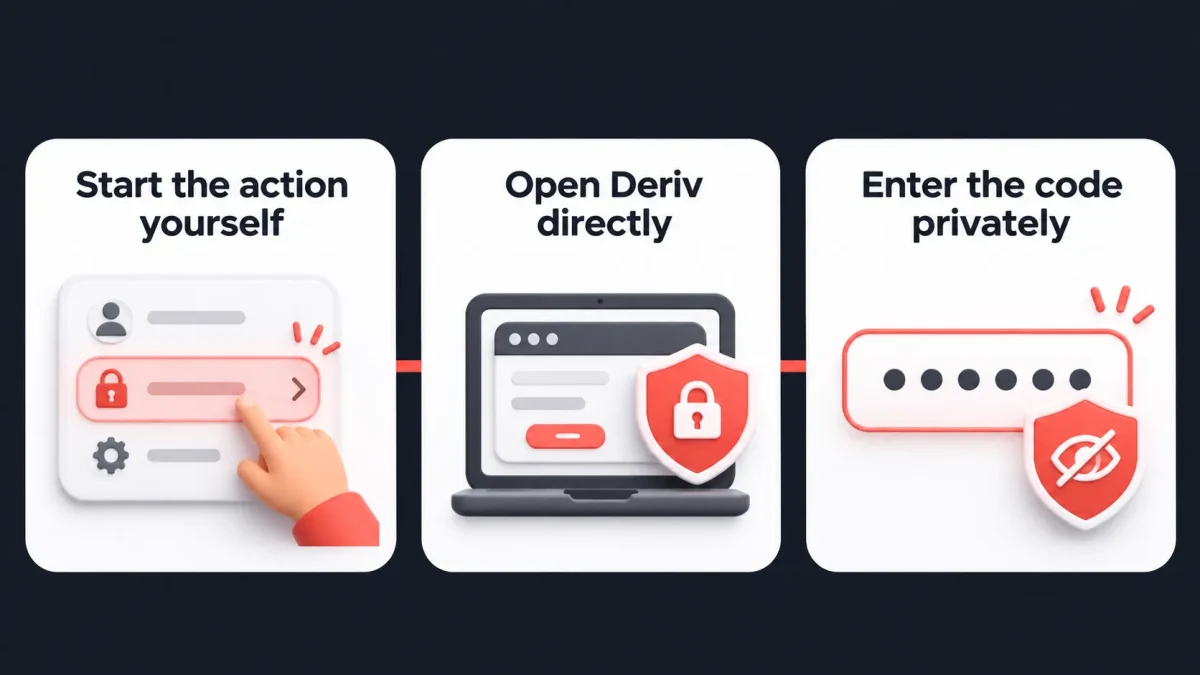
Isai kodhi yekuchengetedza chete kana mamiriro ose aya achishanda:
- Makatanga chiito chacho imi pachenyu.
- Muri kushandisa website kana app yeDeriv yepamutemo.
- Mange muchitarisira danho rekusimbisa racho.
- Kodhi yacho iri kuiswa mubhokisi rakachengeteka rakakodzera—kwete kutumirwa kumunhu.
Semuenzaniso, kana mukasarudza Password muprofile yenyu yeDeriv mokumbira kushandura password, OTP inotumirwa kuemail yenyu yakanyoreswa inogona kuva chikamu cheurongwa hwamunenge muchitarisira ihwohwo. Kodhi yacho inofanira kuiswa chete muurongwa hwepamutemo hwekushandura password.
Kana chiito chacho chisingatarisirwi, mirai musati maisa chero chinhu. Vhurai Deriv zvakananga nenzira yamunowanzoshandisa motarisa marongero eakaundi yenyu panzvimbo pekushandisa link iri mumeseji.
Musabudise makodhi mumascreenshot
Screenshot inogona kunge iine ruzivo rwakawanda kupfuura rwunotanga kuonekwa. Inogona kuratidza OTP, email yeakaundi, chiziviso chemudziyo, nhamba yereferenzi yezvaitwa, kero yebrowser kana rumwe ruzivo rwenyu pachenyu.
Musati matumira screenshot kuti mubatsirwe, ongororai chinhu chose chinoonekwa. Musambosanganisira password, kodhi yekuchengetedza, QR code, kodhi yekudzoreredza kana chidzitiro cheauthenticator app. Pazvinogoneka, chekai kana kuvhara chero ruzivo rwenyu pachenyu, rwekubhadhara kana rweakaundi rwusingadiwe.
Machengeterwo emakodhi ekudzoreredza akachengeteka
Makodhi ekudzoreredza akasiyana nemakodhi akajairika anoshandiswa kamwe chete nekuti anogona kuramba achishanda kusvikira ashandiswa kana kutsiviwa. Akagadzirirwa nguva dzekukurumidzira, dzakadai sekurasikirwa nemukana wekupinda muauthenticator app.
Achengetei panzvimbo yamunokwanisa kuawana paanodiwa, asi pasingasvikike nevamwe vanhu. Password manager yakavimbika inogona kuva sarudzo yakakodzera kana yakadzivirirwa nemaster password yakasimba ne2FA. Kopi isiri paindaneti yakadzivirirwa inogonawo kukodzera.
Musaite izvi:
- Kuchengeta makodhi ekudzoreredza mudraft reemail kana mugwaro repacloud risina kudzivirirwa
- Kuachengeta mualbum remifananidzo rinoonekwa nevose kana rinogoverwa nevamwe
- Kuzvitumira iwo muchat
- Kuapa shamwari, nhengo yemhuri kana chero munhu anoti ari kubatsira
- Kuasanganisira muscreenshot yekukumbira rubatsiro
Kana mukagadzira makodhi matsva ekudzoreredza, bvisai zvakachengeteka chero makopi ekare kuitira kuti musavimbe nemakodhi asisashande.
Zvamunofanira kuita kana makapa mumwe munhu kodhi
Kodhi yakapiwa mumwe munhu inogona kunge isisina kuchengeteka kushandisa, kunyangwe isati yapera simba. Torai matanho nekukurumidza, asi shandisai nzira dzepamutemo chete.
- Vhurai Deriv zvakananga kuburikidza newebsite kana app yepamutemo.
- Shandurai password yenyu yeDeriv muise password itsva, yakasiyana nedzimwe.
- Ongororai marongero enyu e2FA nenzira dzekudzoreredza akaundi.
- Chengetedzai akaundi yeemail yakabatanidzwa neDeriv, kunyanya kana ichigona kugamuchira mirairo yekuseta patsva password.
- Batai Deriv kuburikidza nerutsigiro rwepamutemo kana muchifunga kuti pane munhu angave apinda muakaundi yenyu.
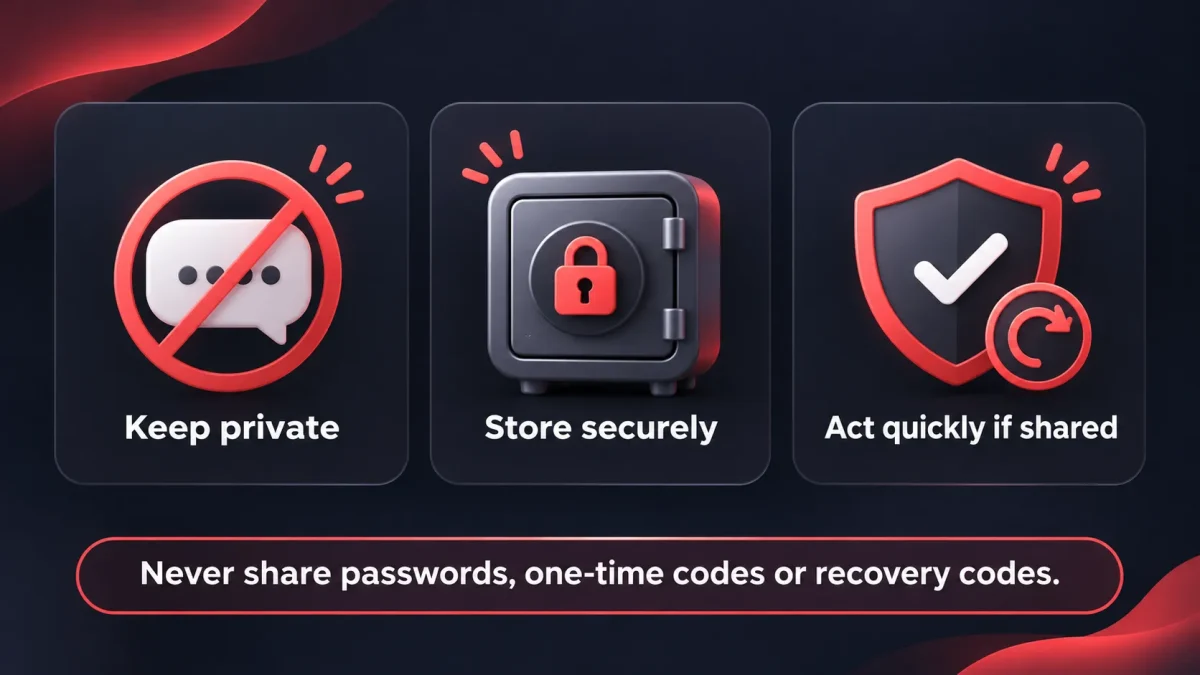
Vakai tsika yekushandisa makodhi ekuchengetedza
Tsika shoma dziri nyore dzinoita kuti zvikumbiro zvemakodhi ekuchengetedza zvive nyore kubata:
- Tangai zviito zveakaundi chete kubva pawebhusaiti kana paapp yepamutemo yeDeriv.
- Shandisai 2FA paakaundi yenyu yeDeriv nepaakaundi yeemail yakabatana nayo.
- Verengai mameseji ekuongorora nemazvo musati maita chero chiito.
- Chengetai makodhi ekudzoreredza akaundi munzvimbo yakachengetedzwa musati maada.
- Musatombobvumidze kana kuisa kodhi yechiito chamusina kutanga.
- Torai chero chikumbiro chekugovera kodhi sechikonzero chekumira moongorora mega.
Torai danho rinotevera
Ongororai kwamunochengetera makodhi enyu ekudzoreredza akaundi uye ivai nechokwadi chekuti 2FA yakabatidzwa paakaundi yenyu yeDeriv nepaemail yakabatana nayo. Kana mukagamuchira kodhi yechiito chamusina kutanga, musaiise kana kuigovera—vhurai Deriv zvakananga moongorora marongero enyu ekuchengetedza.
Quiz
Ndirini pamunofanira kuisa kodhi yekuchengetedza?
Mibvunzo inowanzobvunzwa