Why you go choose MT5 web terminal
You no need install anything
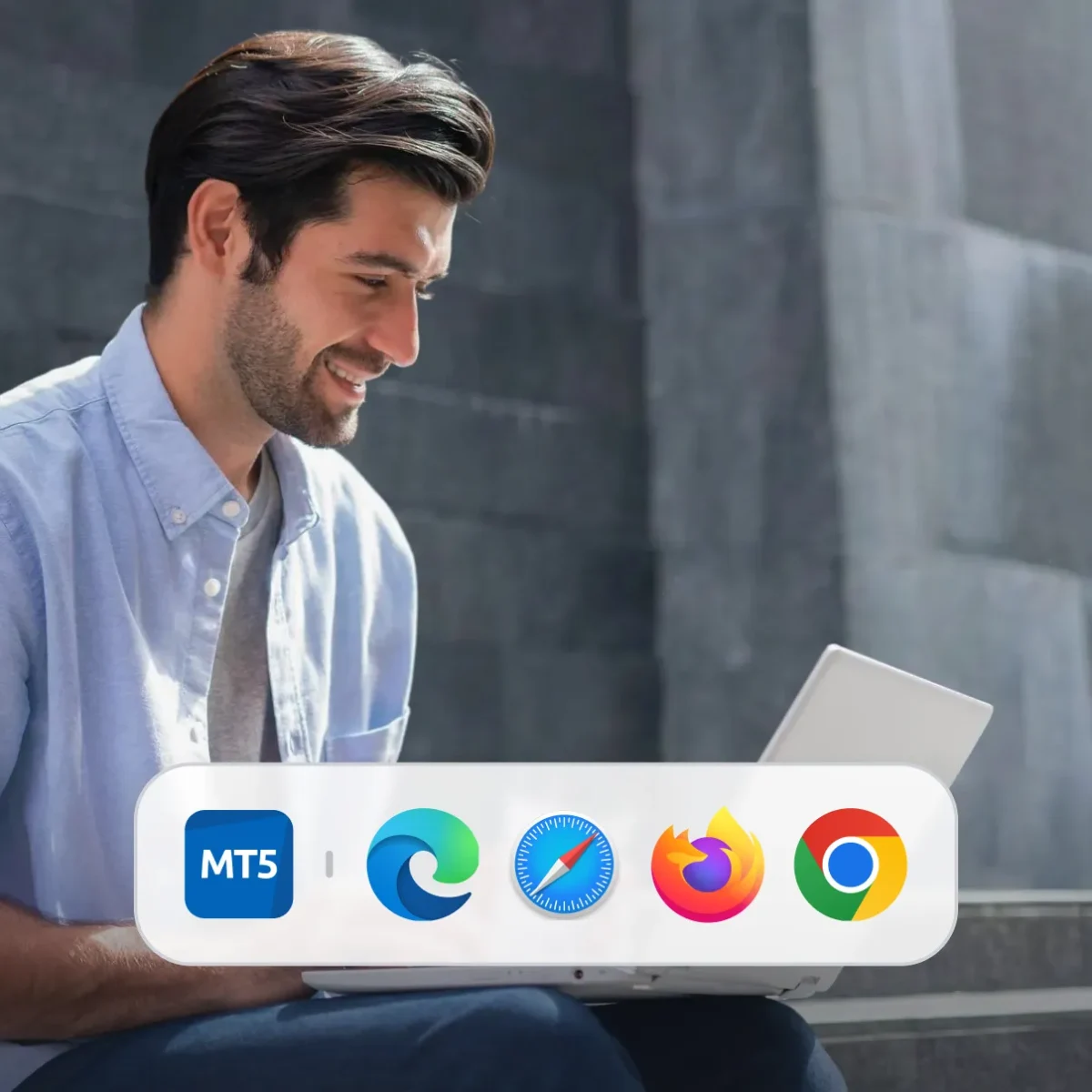
Start to trade sharp-sharp from any browser wey you like.
Dem always dey update am
Place market and pending orders, manage your positions, and analyse charts.
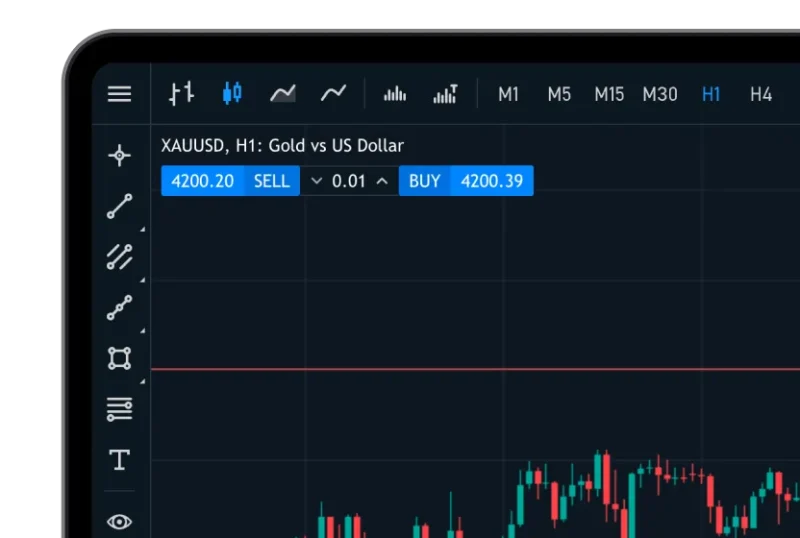
Smooth account access
Log in with your Deriv MT5 login details and trade across all your accounts.
How to access Deriv MT5 for your browser
Sign up or log in
Create a free Deriv account, or log in if you don already get one.
Open Deriv MT5
Select Deriv MT5 for your dashboard and choose the account wey you want trade with.
Log in to your MT5 account
Put your MT5 login details to access your trading account.
Start to trade
Choose your market and start to trade sharp-sharp for the web terminal.
Web terminal vs desktop app: Wetin be the difference?
| Features | Web terminal | Desktop | Mobile app |
|---|---|---|---|
| Installation | None — e dey run inside your browser | E need installation for Windows or Mac | Install am through App Store or Google Play |
| Performance | E fast and convenient for everyday trading | E fast and convenient for everyday trading | E dey designed for trading wey you dey move up and down |
| Browser compatibility | Chrome, Safari, Firefox, an Microsoft Edge | N/A | N/A |
| Security | Encrypted connection, no local data dey stored | Local storage; OS-level security dey protect am | OS-level security. App store security protocols dey protect am |
| Updates | Automatic — e dey always run the latest version | Manual update (or automatic, e depend on the OS) | Automatic through app store |
Wetin pipul dey often ask about Deriv MT5 web terminal
Yes. E dey use HTTPS encryption and secure authentication, so all your data and trades dey protected.
You no need to install any software or browser extension. Everything dey run straight inside your browser.
Yes, but to get the best experience, use Deriv MT5 web terminal for desktop.
You fit do most trading and analysis functions. But advanced automation tools (like Expert Advisors) dey only for desktop.
