Why you suppose install MT5 on desktop
Better performance
Run plenty charts and Expert Advisors with optimised performance.

Advanced tools
Get access to the full set of indicators, drawing tools, and backtesting features.
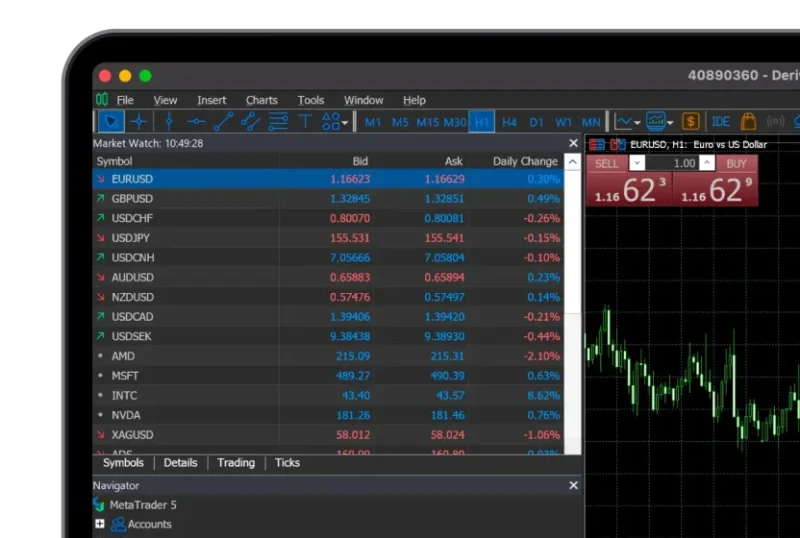
Access for different platforms
E dey available for both Windows and macOS.

Scan to download
Android, iOS & Huawei
Download Deriv MT5





How you fit install Deriv MT5 desktop
Download di Windows app
Download Deriv MT5 for Windows put am for your device.
Run di installer
Open the file wey you download and follow the setup instructions.
Launch Deriv MT5
Open the Deriv MT5 app wey you don install from your desktop or start menu.
Log in an start to dey trade
Log in wit yor Deriv MT5 details make yu start to dey trade.
Windows vs Mac: Wetin be the difference?
| Features | Windows | Mac |
|---|---|---|
| Installation | .exe installer, standard setup wizard wey dey guide installation | .dmg file, drag and drop am to install |
| Sistem support | E work with Windows 7 and above | E work with recent macOS versions |
| Performance | Dem optimise am for Windows systems, and EA traders dey use am well well | E blend well with macOS, but fewer people dey use native EA |
| Functionality | Complete MT5 functionality | Complete MT5 functionality |
FAQs for Deriv MT5 desktop
Yes. The desktop version dey support automated trading with EAs and backtesting tools.
Both get the same core features. We recommend the desktop version if you dey use EAs, advanced charting, or if you need maximum stability.
Yes, you fit install am for more than one device and log in with your Deriv MT5 account details.
