为什么选择 MT5 网页终端
无需安装
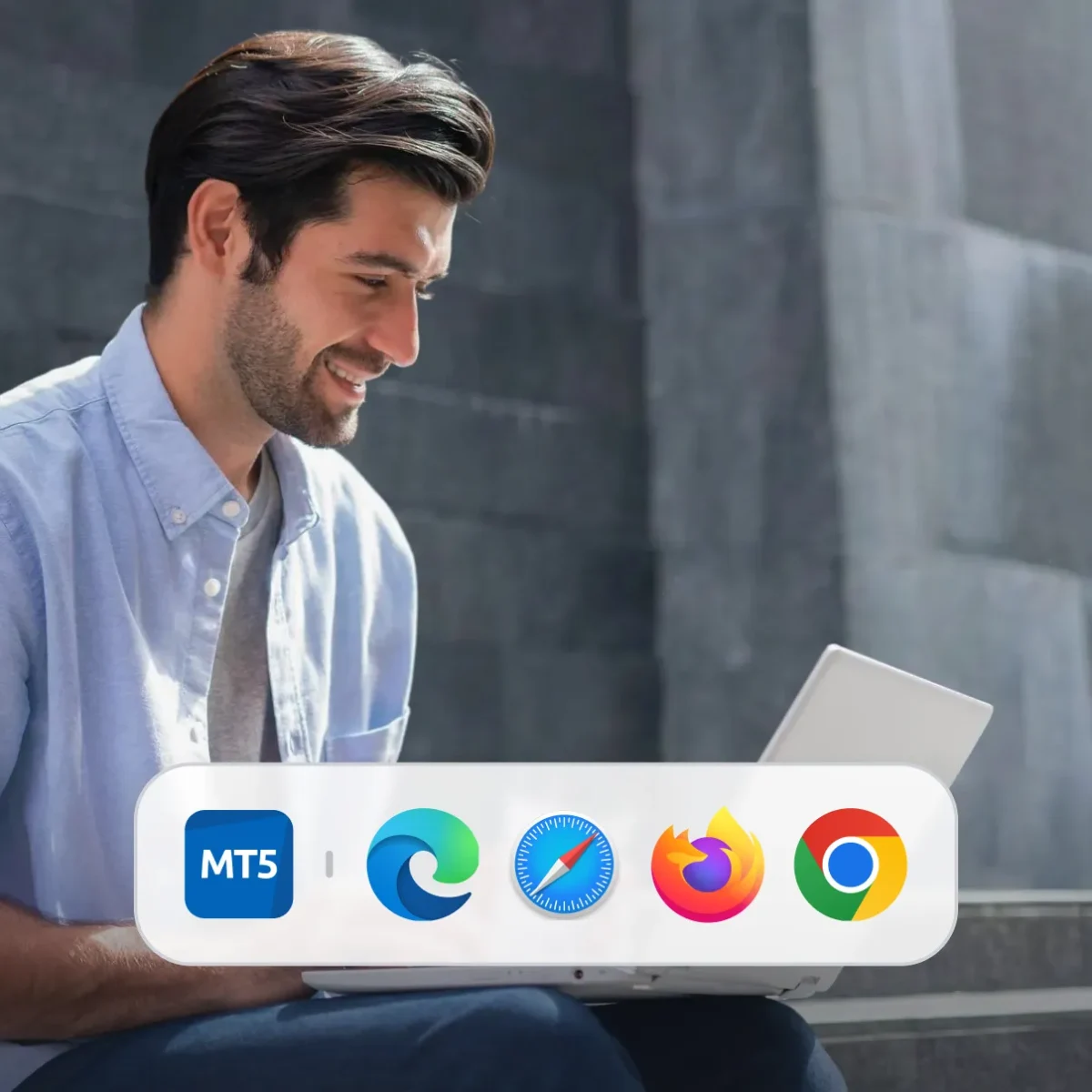
使用您偏好的任意浏览器即刻开始交易。

始终保持最新
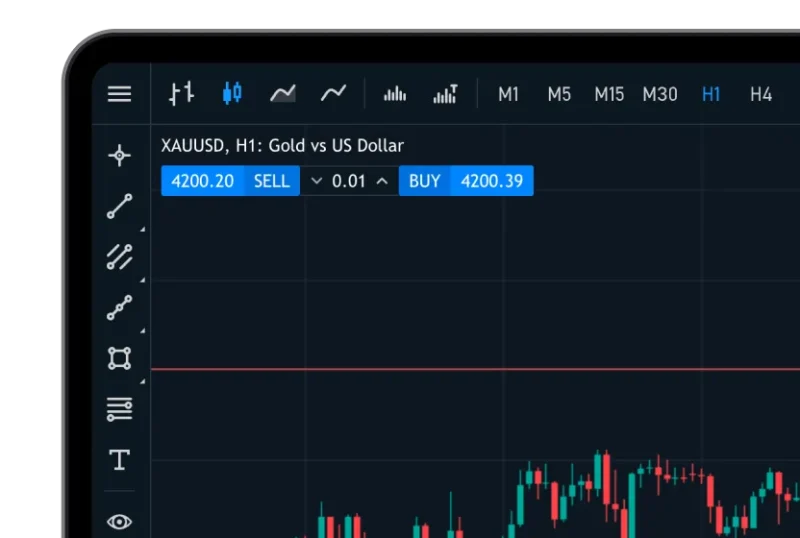
下达市价单和挂单、管理持仓,并分析图表。
无缝账户访问
使用您的 Deriv MT5 登录信息登录,即可在所有账户间进行交易。

如何在浏览器中访问 Deriv MT5
注册或登录
创建一个免费的 Deriv 账户,如果您已有账户,请直接登录。
打开 Deriv MT5
在您的仪表板上选择 Deriv MT5,然后选择您想要交易的账户。
登录您的 MT5 账户
输入您的 MT5 登录信息,以访问您的交易账户。
开始交易
选择您的市场,立即在网页终端上开始交易。
网页终端与桌面应用程序:有何区别?
| 功能 | 网页终端 | 桌面端 | 移动应用程序 |
|---|---|---|---|
| 安装 | 无需安装——在浏览器中运行 | 需要在 Windows 或 Mac 上安装 | 通过 App Store 或 Google Play 安装 |
| 性能 | 快速便捷,适合日常交易 | 快速便捷,适合日常交易 | 专为随时随地交易而设计 |
| 浏览器兼容性 | Chrome、Safari、Firefox 及 Microsoft Edge | 不适用 | 不适用 |
| 安全性 | 加密连接,不存储本地数据 | 本地存储;受操作系统级安全保护 | 操作系统级安全保护,并通过应用商店安全协议进行防护 |
| 更新 | 自动更新——始终运行最新版本 | 手动更新(或根据操作系统自动更新) | 通过应用商店自动更新 |
Deriv MT5 网页终端常见问题
是的。它采用 HTTPS 加密及安全身份验证,确保您的所有数据和交易均受到保护。
无需安装任何软件或浏览器插件,一切均可直接在浏览器中运行。
可以,但为获得最佳体验,建议您在桌面设备上使用 Deriv MT5 网页终端。
您可以执行大多数交易和分析功能。但高级自动化工具(如智能交易系统)仅在桌面端提供。
