点值的定义,表示这是最小增量,外汇除外。

下载 Deriv MT5 桌面版

在您的 Windows 或 macOS 上畅享完整 Deriv MT5 桌面体验。 使用专业图表、智能交易系统及专为专业交易者设计的稳定性能进行交易。

Laptop displaying Deriv MT5 desktop app with floating Amazon, BMW, and forex icons
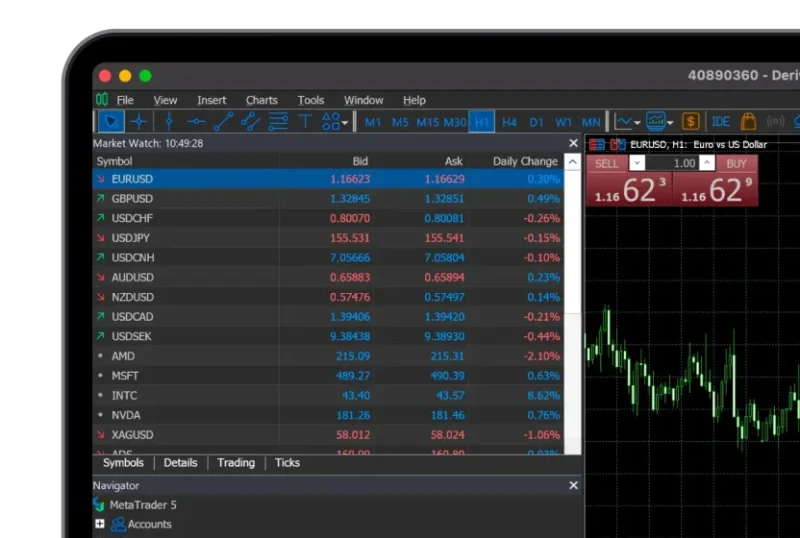
Deriv MT5 desktop interface showing market watch and EURUSD candlestick chart

为何安装桌面版 MT5

增强的性能

以优化性能同时运行多个图表与智能交易系统。

高级工具

访问完整的指标、画图工具和回测功能套件。

稳定的交易环境

享受比网页版或移动版更少限制的可靠执行。

跨平台访问

适用于 Windows 和 macOS。

扫描下载

Android、iOS & Huawei

获取 Deriv MT5

如何安装 Deriv MT5 桌面版

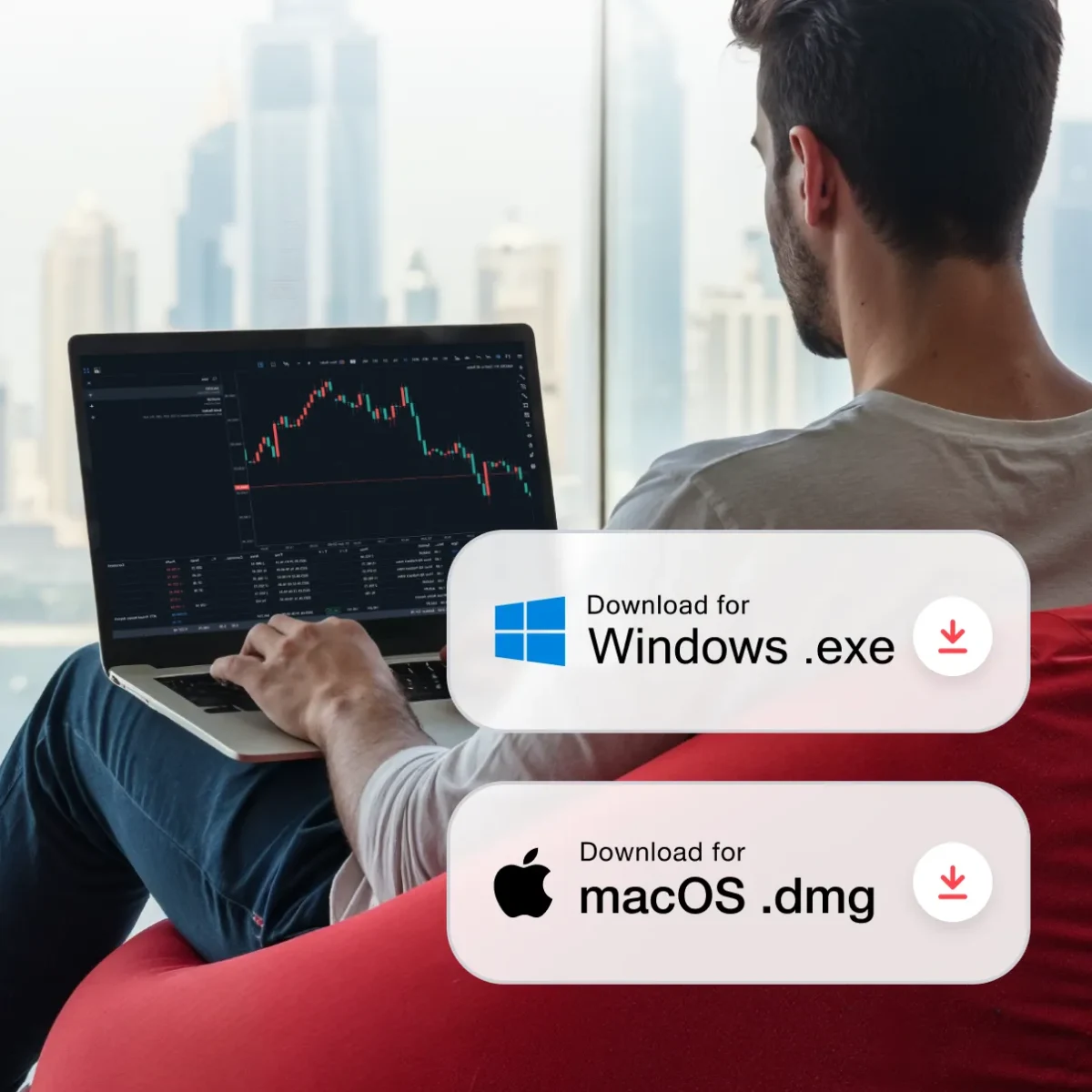
Young man trading DERIV MT5 app on a laptop
1

获取 Windows 应用程序

Deriv MT5 Windows 版 下载到设备上。

2

运行安装程序

打开已下载文件并根据指示完成安装。

3

启动 Deriv MT5

从您的桌面或开始菜单打开新安装的 Deriv MT5 应用程序。

4

登录并开始交易

使用您的 Deriv MT5 账户信息登录以开始交易。

Man using a laptop in a café with a leaderboard overlay showing top traders and their high returns in a trading competition.
1

获取 macOS 应用程序

Deriv MT5 macOS 版 下载到设备上。

2

安装应用程序

打开已下载文件并将 Deriv MT5 拖入“应用程序”文件夹中。

3

启动 Deriv MT5

在“应用程序”文件夹中打开 Deriv MT5 应用程序。

4

登录并开始交易

使用您的 Deriv MT5 账户信息登录以开始交易。

Windows 与 Mac 有何不同?

Deriv MT5 桌面常见问题解答

Can I use Expert Advisors (EAs) on desktop?

Yes. The desktop version supports automated trading with EAs and backtesting tools.

Is the desktop version better than the web terminal?

Both provide the same core features. The desktop version is recommended if you use EAs, advanced charting, or need maximum stability.

Can I install MT5 on multiple computers?

Yes, you can install it on more than one device and log in with your Deriv MT5 account details.