跳至主要内容

什么是安全码,为什么绝不能分享

5
分钟阅读
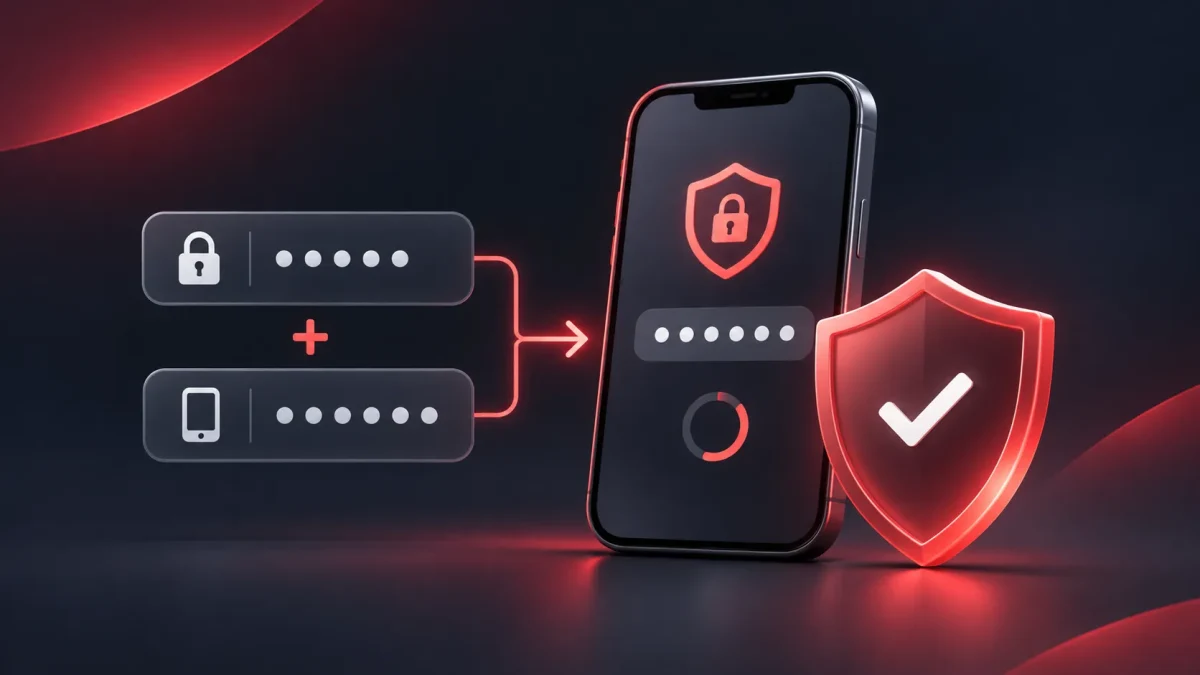
插图:一部受保护的手机,配有通用验证码输入框、安全盾牌和一个被屏蔽的聊天气泡,代表安全码的私密使用。

安全码有助于确认登录、更改密码或设置双重验证(2FA)等重要操作确实由您本人完成。由于这些验证码有助于保护您 Deriv 账户的访问安全,因此应始终保密。本指南将介绍什么是安全码、为什么需要安全码,以及如何安全地处理安全码。

快速概览

  • 在完成敏感的账户操作之前,安全码会增加一道额外的核查。
  • 安全码包括一次性密码、验证器应用验证码、密码重置验证码和恢复码。
  • 请仅在预期的步骤中,于 Deriv 官方网站或应用内亲自输入验证码。
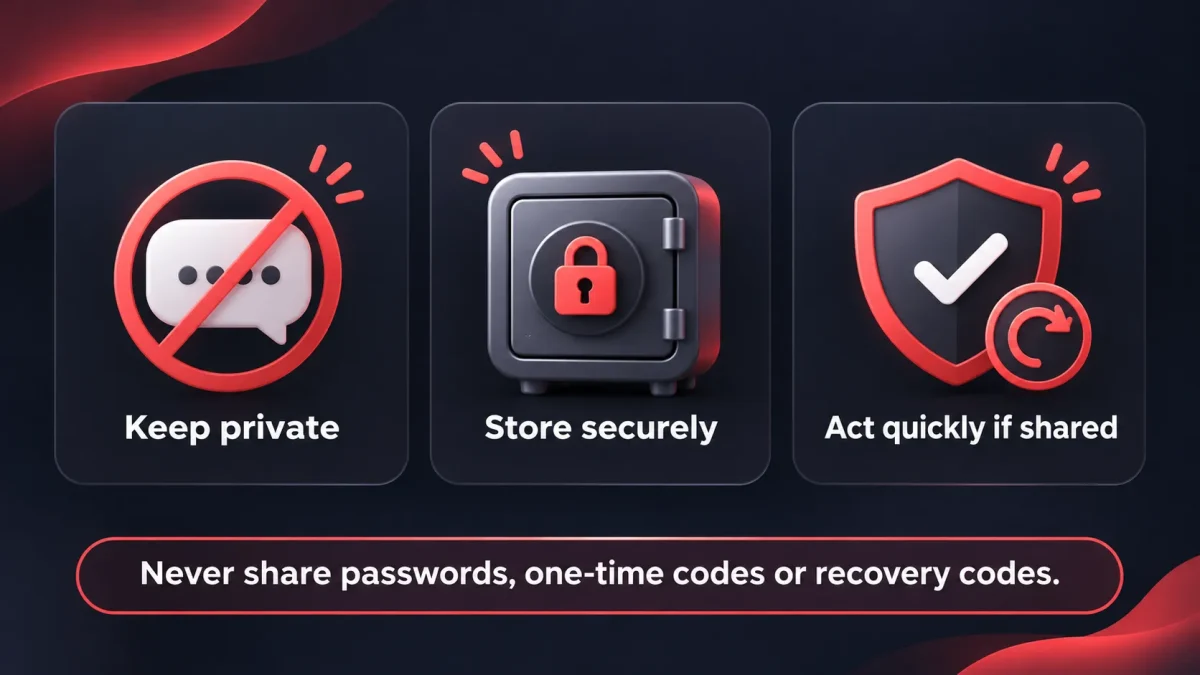
  • 切勿发送、朗读、转发、截图或发布安全码。
  • 如果您不慎分享了验证码,请立即通过 Deriv 官方渠道保护您的账户。

什么是安全码?

安全码是一种凭证,用于帮助确认登录或账户操作经过您的授权。与密码不同,许多安全码是临时的:它们可能在短时间后失效,或只能使用一次。

在以下情况下,您可能会遇到安全码:

  • 从新设备或新浏览器登录
  • 开启或使用 2FA
  • 更改或重置密码
  • 确认敏感的账户安全操作
  • 恢复账户访问权限

安全码之所以有用,是因为它增加了一层验证。即使有人获知了密码,如果没有额外的验证码,也可能无法完成受保护的操作。

安全码的常见类型

一次性密码(OTP)是发送至已注册电子邮箱或手机号码的临时验证码,有助于验证您能够访问与账户关联的联系方式。

验证器应用验证码是在验证器应用中生成的限时短码,通常用于 2FA,并会定期变化。

密码重置验证码有助于确认重置密码的请求已获授权。由于其可能是创建新密码流程的一部分,因此尤为敏感。

恢复码或备份码是设置 2FA 时生成的应急验证码。如果您丢失了验证器设备,这些验证码可能有助于恢复访问权限,因此必须妥善保存,并像对待密码一样对待它们。
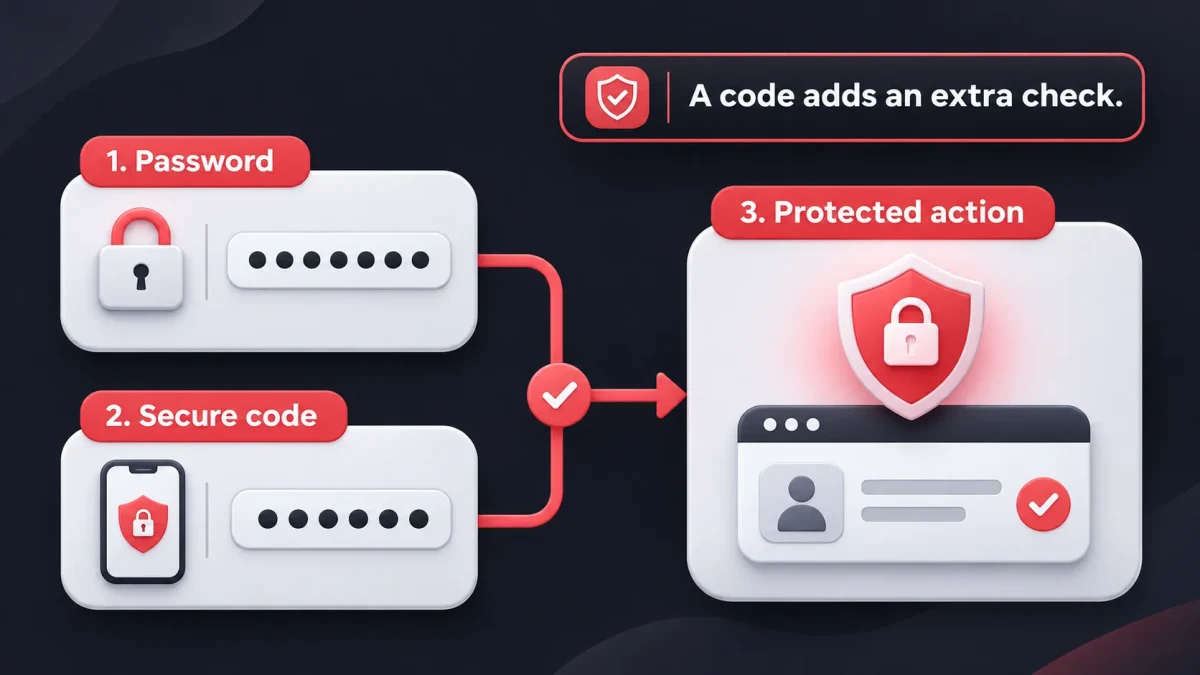
Secure codes help confirm that an important action—such as signing in, changing a password or setting up two-factor authentication (2FA)—is being completed by you. Because these codes can help protect access to your Deriv account, they should always remain private. This guide explains what secure codes are, why they are needed and how to handle them safely. Quick summary Secure codes add an extra check before sensitive account actions can be completed. They can include one-time passwords, authenticator-app codes, password-reset codes and recovery codes. Enter a code yourself only in the official Deriv website or app during an expected step. Never send, read aloud, forward, screenshot or post a secure code. If you accidentally share a code, secure your account promptly through official Deriv channels. What are secure codes? A secure code is a credential used to help confirm that a login or account action is authorised by you. Unlike a password, many secure codes are temporary: they may expire after a short period or work only once. You may encounter a secure code when you: Sign in from a new device or browser Turn on or use 2FA Change or reset a password Confirm a sensitive account-security action Recover access to an account Secure codes are useful because they add another layer of verification. Even if someone discovers a password, they may be unable to complete a protected action without the additional code. Common types of secure codes One-time passwords (OTPs) are temporary codes sent to a registered email address or phone number. They help verify that you can access the contact method linked to the account. Authenticator-app codes are short, time-limited codes generated in an authenticator app. They are commonly used for 2FA and change regularly. Password-reset codes help confirm that a request to reset a password is authorised. They are especially sensitive because they can be part of a process to create a new password. Recovery or backup codes are emergency codes created when setting up 2FA. They may help restore access if you lose an authenticator device, so they must be stored securely and treated like passwords.   Alt text: Diagram shows a password and a secure code as separate requirements before a protected account action can proceed. Why secure codes are needed Passwords can be guessed, reused or exposed through a data breach or phishing attempt. A secure code helps reduce the risk that a password alone can be used to access an account or make a sensitive change. For example, when you change a Deriv password from your profile, Deriv may send a one-time password to your registered email to help verify the request. You enter that OTP yourself as part of the official process, then set the new password.  This extra step is not a guarantee against every risk, but it creates an important barrier. It confirms that the person making the request has access to the required verification method at that moment. Codes are for you to enter, not to give away A secure code is not a piece of information to share with another person. It is an instruction for you to complete a specific security step yourself. Keep this distinction in mind: Safe action Unsafe action Entering a code yourself in the official Deriv website or app Sending a code in a chat, email or social-media message Using a code during a step you started Giving a code to someone who contacted you unexpectedly Storing recovery codes in a protected location Saving recovery codes in an unprotected note or screenshot Opening Deriv directly before entering a code Following an unverified link to enter a code   When it is safe to enter a code Enter a secure code only when all of these conditions apply: You started the action yourself. You are using the official Deriv website or app. You expected the verification step. The code is being entered into the relevant secure field—not sent to a person. For example, if you select Password in your Deriv profile and request a password change, an OTP sent to your registered email can be part of that expected process. The code should be entered only in the official password-change flow. If the action is unexpected, pause before entering anything. Open Deriv directly through your usual route and check your account settings instead of relying on a link in a message. Keep codes out of screenshots A screenshot can contain more information than it first appears to. It may show an OTP, account email, device notification, transaction reference, browser address or other personal details. Before sharing a screenshot for support purposes, review every visible element. Never include a password, secure code, QR code, recovery code or authenticator-app screen. When possible, crop or redact any personal, payment or account details that are not needed.  Alt text: Three cards show starting an account action, opening Deriv directly, and privately entering a secure code in the official platform. How to store recovery codes safely Recovery codes are different from ordinary one-time codes because they may remain valid until used or replaced. They are designed for emergencies, such as losing access to an authenticator app. Store them somewhere you can access when needed, but where other people cannot. A reputable password manager can be a suitable option when it is protected by a strong master password and 2FA. A protected offline copy may also be appropriate. Do not: Keep recovery codes in an email draft or unprotected cloud document Store them in a public or shared photo album Send them to yourself through chat Share them with a friend, family member or anyone claiming to help Include them in a support screenshot If you generate new recovery codes, securely remove any outdated copies so you do not rely on codes that no longer work. What to do if you shared a code A shared code may no longer be safe to use, even if it has not yet expired. Act promptly, but use only official routes. Open Deriv directly through the official website or app. Change your Deriv password to a new, unique password. Review your 2FA settings and recovery methods. Secure the email account linked to Deriv, particularly if it may receive password-reset instructions. Contact Deriv through official support if you think someone may have accessed your account.  Alt text: Three cards advise keeping codes private, storing recovery codes securely, and protecting an account promptly if a code is shared. Build a secure-code routine A few simple habits make secure-code requests easier to handle: Start account actions only from the official Deriv website or app. Use 2FA on your Deriv account and on the email account linked to it. Read verification messages carefully before acting. Keep recovery codes in a protected location before you need them. Never approve or enter a code for an action you did not start. Treat any request to share a code as a reason to stop and verify independently. Take the next step Review where you store your recovery codes and make sure 2FA is enabled on your Deriv account and the email linked to it. If you receive a code for an action you did not start, do not enter or share it—open Deriv directly and review your security settings.

‍为什么需要安全码

密码可能被猜到、重复使用,或因数据泄露或网络钓鱼而暴露。安全码有助于降低仅凭密码就能访问账户或进行敏感更改的风险。

例如,当您在个人资料中更改 Deriv 密码时,Deriv 可能会向您的注册邮箱发送一次性密码,以帮助验证该请求。您需要在官方流程中亲自输入该 OTP,然后设置新密码。

这一额外步骤并不能保证抵御所有风险,但它构成了一道重要的屏障。它可以确认提出请求的人在当下能够使用所需的验证方式。

验证码由您自己输入,而不是交给他人

安全码不是用来与他人分享的信息,而是提示您亲自完成某个特定安全步骤的指令。

请牢记以下区别:

安全做法 不安全做法
在 Deriv 官方网站或应用内亲自输入验证码 通过聊天、电子邮件或社交媒体消息发送验证码
在由您发起的步骤中使用验证码 将验证码提供给主动联系您的陌生人
将恢复码存放在受保护的位置 将恢复码保存在未受保护的备忘录或截图中
先直接打开 Deriv,再输入验证码 点击未经核实的链接来输入验证码

‍

何时可以安全地输入验证码

仅当以下所有条件均满足时,才可输入安全码:

  1. 该操作由您本人发起。
  2. 您使用的是 Deriv 官方网站或应用。
  3. 该验证步骤在您的预期之中。
  4. 验证码输入的是相应的安全字段,而不是发送给他人。

例如,如果您在 Deriv 个人资料中选择密码并请求更改密码,发送至您注册邮箱的 OTP 可能属于该预期流程的一部分。该验证码只应在官方的密码更改流程中输入。

如果该操作出乎您的意料,请先暂停,不要输入任何内容。请通过您常用的方式直接打开 Deriv 并查看账户设置,而不要依赖消息中的链接。

请勿将验证码留在截图中

截图包含的信息可能比看上去更多,其中可能显示 OTP、账户邮箱、设备通知、交易参考编号、浏览器地址或其他个人信息。

在为获取支持而分享截图之前,请检查画面中的每一个可见元素。请勿包含密码、安全码、二维码、恢复码或验证器应用界面。如有可能,请裁剪或遮盖不需要的个人信息、支付信息或账户信息。
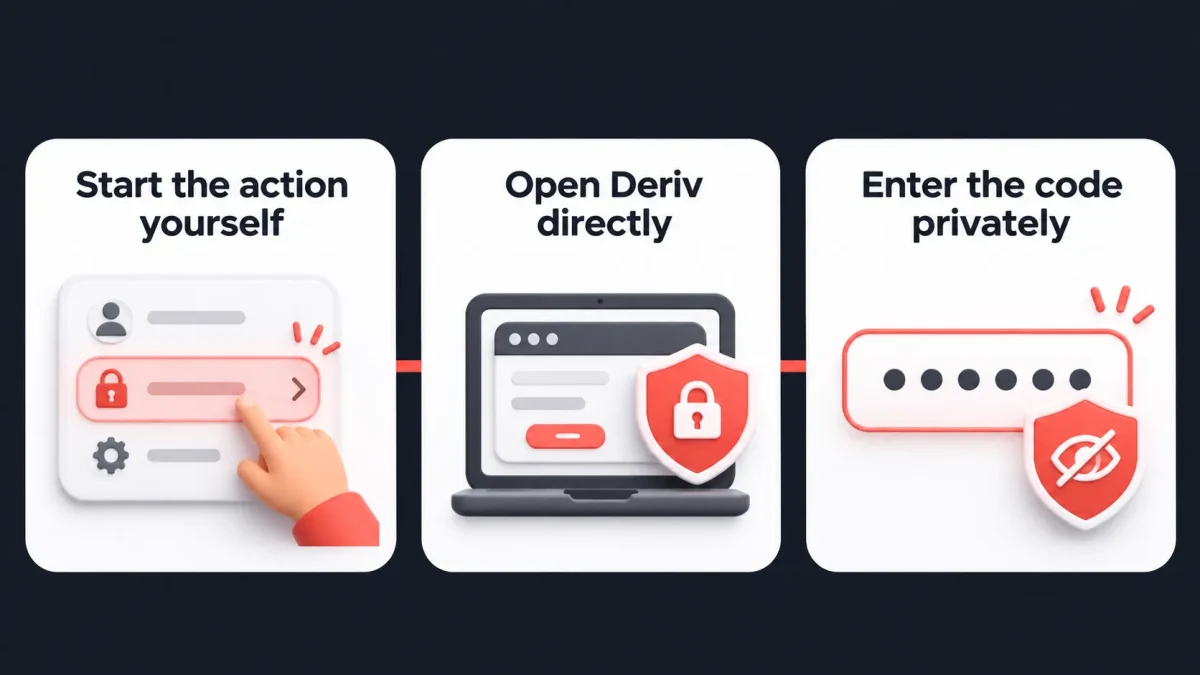
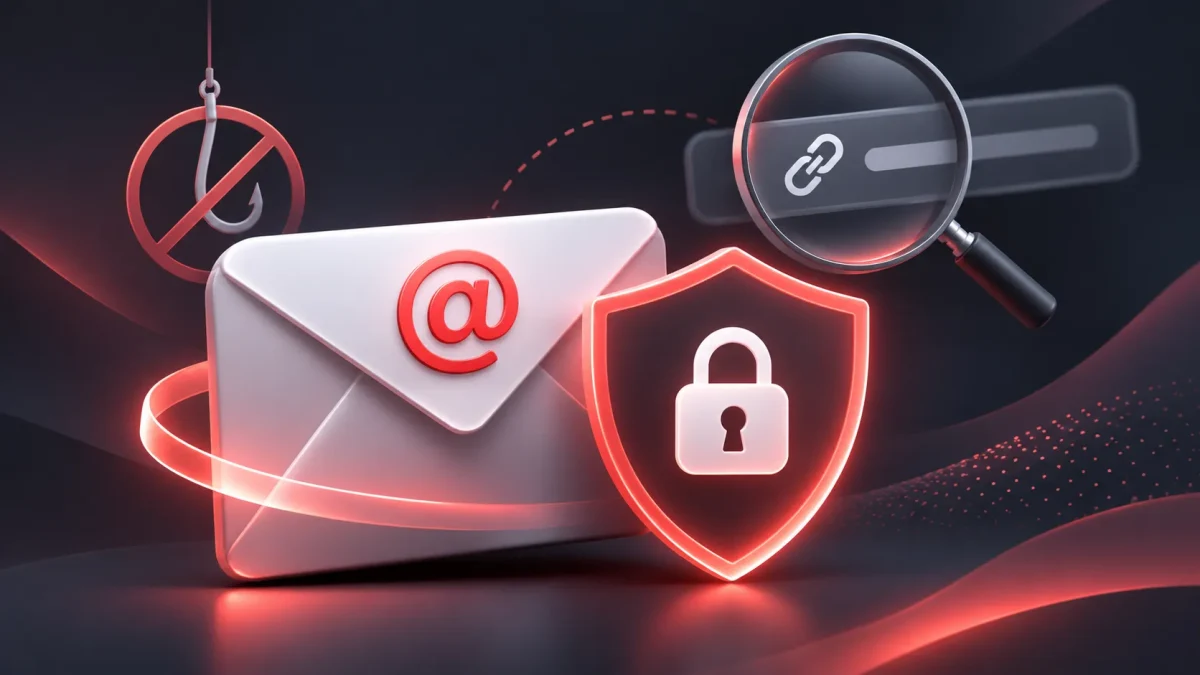
Three cards show starting an account action, opening Deriv directly, and privately entering a secure code in the official platform.

如何安全保存恢复码

恢复码不同于普通的一次性验证码,因为它们可能在使用或被替换之前一直有效。恢复码专为紧急情况设计,例如您无法再访问验证器应用时。

请将恢复码保存在您需要时能够取用、而他人无法获取的地方。如果密码管理器信誉良好,并受强主密码和 2FA 保护,则可能是合适的选择。受保护的离线副本也可能是合适的方式。

请勿:

  • 将恢复码保存在邮件草稿或未受保护的云文档中
  • 将恢复码存放在公开或共享的相册中
  • 通过聊天工具发送给自己
  • 与朋友、家人或任何声称提供帮助的人分享
  • 将恢复码包含在用于获取支持的截图中

如果您生成了新的恢复码,请安全地删除所有过期的副本,以免依赖已失效的验证码。

如果您已分享验证码,该怎么办

已分享的验证码可能不再安全,即使它尚未过期。请立即采取行动,但仅通过官方渠道操作。

  1. 请通过官方网站或应用直接打开 Deriv。
  2. 请将您的 Deriv 密码更改为全新的唯一密码。
  3. 请检查您的 2FA 设置和恢复方式。
  4. 请保护与 Deriv 关联的电子邮箱账户,尤其是该邮箱可能接收密码重置说明时。
  5. 如果您认为有人可能已访问您的账户,请通过官方支持渠道联系 Deriv。
Three cards advise keeping codes private, storing recovery codes securely, and protecting an account promptly if a code is shared.

养成安全码使用习惯

以下几个简单的习惯可以让您更轻松地处理安全码请求:

  • 请仅通过 Deriv 官方网站或应用发起账户操作。
  • 请在您的 Deriv 账户及其关联的电子邮箱账户上启用 2FA。
  • 在操作之前,请仔细阅读验证信息。
  • 请提前将恢复码保存在安全的位置,以备不时之需。
  • 切勿批准或输入非您本人发起的操作所对应的验证码。
  • 任何要求您分享验证码的请求,都应视为停止操作并通过独立渠道核实的信号。

下一步行动

请检查您存放恢复码的位置,并确保您的 Deriv 账户及其关联的电子邮箱均已启用 2FA。如果您收到非您本人发起的操作所对应的验证码,请勿输入或分享,而应直接打开 Deriv 并检查您的安全设置。

Quiz

什么情况下应输入安全码?

常见问题

Analyse markets with AI-powered insights

Explore TradersView
WhatsApp