Why install MT5 on desktop
Enhanced performance
Run multiple charts and Expert Advisors at optimised performance.

Advanced tools
Access the full suite of indicators, drawing tools, and backtesting features.
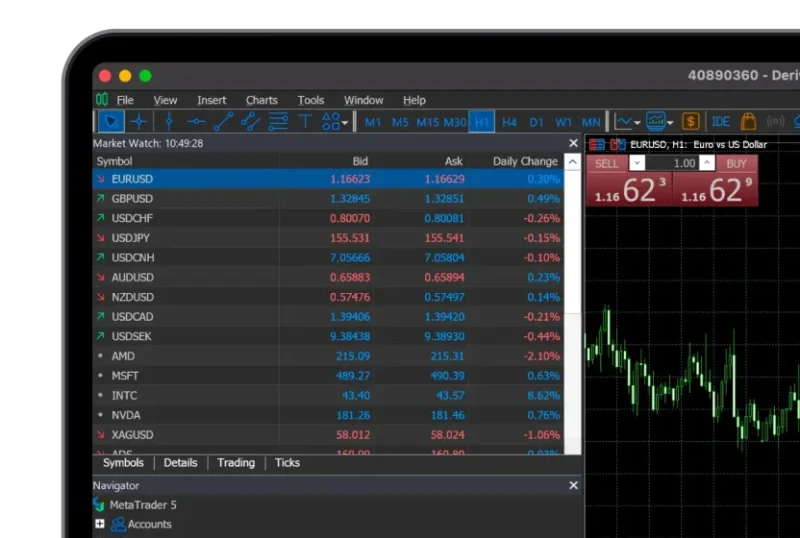
Cross-platform access
Available for both Windows and macOS.

Scan to download
Android, iOS & Huawei
Get Deriv MT5





How to install Deriv MT5 desktop
Get the Windows app
Download Deriv MT5 for Windows to your device.
Run the installer
Open the downloaded file and follow the setup instructions.
Launch Deriv MT5
Open the installed Deriv MT5 app from your desktop or start menu.
Log in and start trading
Log in with your Deriv MT5 details to start trading.
Windows vs Mac: What’s the difference?
| Features | Windows | Mac |
|---|---|---|
| Installation | .exe installer, standard setup wizard | .dmg file, drag and drop to install |
| System support | Compatible with Windows 7 and above | Compatible with recent macOS versions |
| Performance | Optimised for Windows systems, widely used by EA traders | Seamless integration with macOS, fewer native EA users |
| Functionality | Full MT5 functionality | Full MT5 functionality |
Deriv MT5 desktop FAQs
Yes. The desktop version supports automated trading with EAs and backtesting tools.
Both provide the same core features. The desktop version is recommended if you use EAs, advanced charting, or need maximum stability.
Yes, you can install it on more than one device and log in with your Deriv MT5 account details.
