
Identify crypto scams and fake apps by verifying URLs for typos, avoiding unverified links, and ignoring urgent requests for passwords or recovery phrases.
Since crypto transactions are permanent and non-reversible, most beginner losses stem from these deceptive tactics rather than bad trades.
This quick guide helps you recognise common red flags and protect your funds.
Quick summary
- Phishing tricks you into sharing logins, codes, or money by mimicking real brands.
- Major warning signs include urgent messages, requests for passwords/codes, and promises of guaranteed returns.
- Fake apps and sites look realistic. Always verify the URL and how you got there.
Why crypto scams work
Scammers don't need to hack you if they can trick you into handing over logins, codes, or payments. They use fake urgency so you act without thinking.
Common scams and their warning signs
| Scam | How it works | Warning signs |
|---|---|---|
| Phishing messages | Fake emails or texts pretending to be official support. | Urgent warnings, direct login links. |
| Fake website | Copies of genuine login pages to steal credentials. | Misspelled URLs or unusual domain extensions. |
| Fake app | Counterfeit apps designed to look like trusted brands. | Sent via direct links or unverified app stores. |
| Fake helpers & signal sellers | Strangers offering "guaranteed" trading profits or help. | Guaranteed returns, upfront crypto fees. |
| Recovery phrase request | Requests for seed phrases to restore wallets. | Anyone asking for your recovery phrase. |
| Online "friend" scam | Online connections building trust to solicit crypto. | Conversations that consistently lead to money requests. |
Phishing: How it looks in practice
Example: You get an urgent message with a login link. The page looks real, but the URL has an extra letter. Typing your details hands your login directly to a scammer.
Safe habit: Never click links in messages. Open a saved bookmark to sign in directly.
How to recognise a fake website
Always check these three details before logging in:
- Web address: Look closely for extra, missing, or swapped letters.
- Navigation method: Only navigate using direct bookmarks or manual URL entry.
- Requested details: Real login pages never ask for recovery phrases or advance payments.
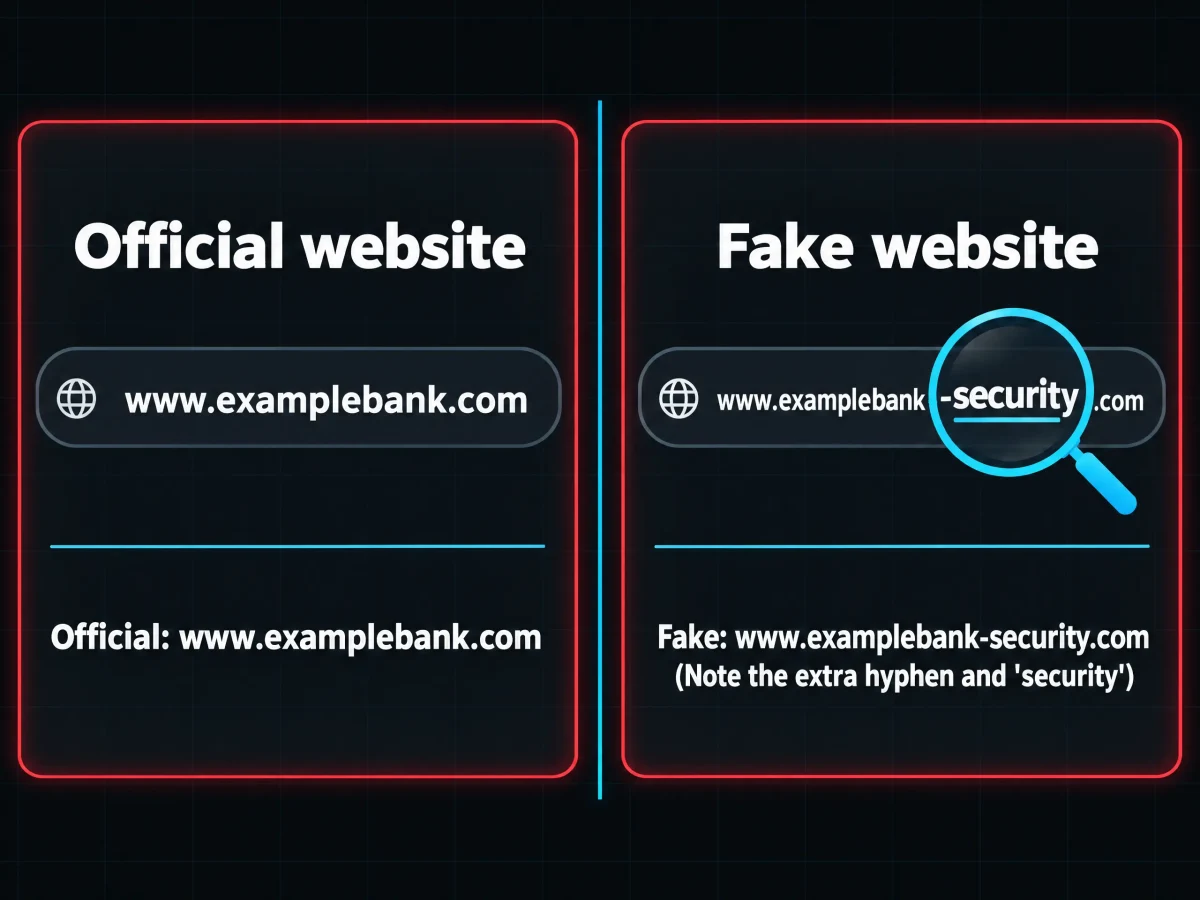
Note: A padlock icon in the browser address bar does not guarantee safety.
How to recognise a fake app
Scammers often publish fake mobile apps that mimic official platforms. Protect yourself by using these tips:
- Verify official app availability on the provider's verified website.
- Avoid downloading apps directly from links in emails or messages.
Watch out for slight variations in logos, publisher names, and app titles.
What a scammer may ask for
| They ask for | Why it's dangerous | What to do |
|---|---|---|
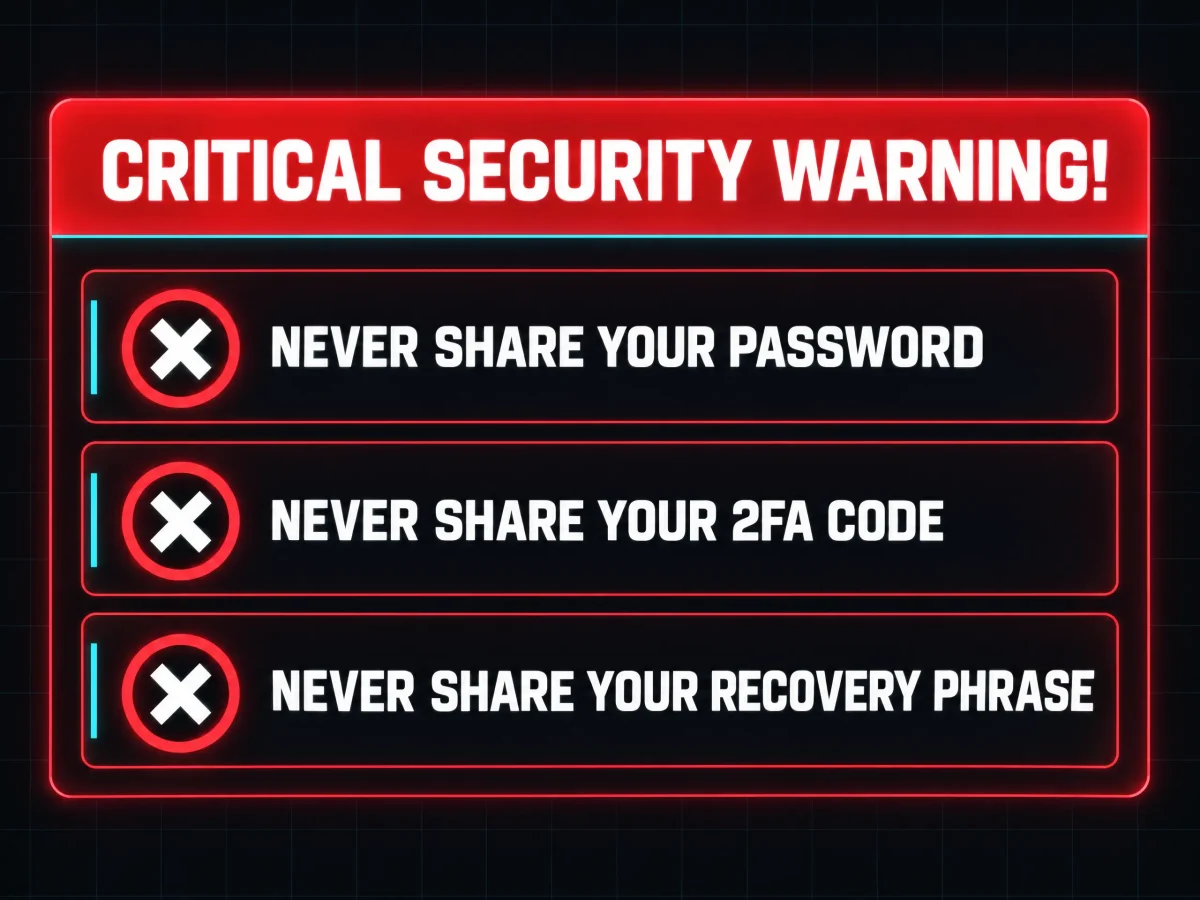
| Your password | Full account hijack | Never share it with anyone. |
| A one-time code | Bypasses 2FA checks | Never share codes; support never asks for them. |
| Your recovery phrase | Full wallet drain | Never share it, for any reason. |
| A "small payment first" | Advance-fee theft | Refuse and block. |
| Remote access to your device | Full device control | Never grant access. |
"Guaranteed" returns and "signals"
Crypto prices fluctuate constantly. No one can guarantee trading profits or predict movements with 100% certainty.
- Unsolicited messages offering trading tips or signals
- Promises of "risk-free" or "guaranteed" returns
- Pressure to deposit or send crypto immediately
Habits that lower your risk
Adopt these core habits to protect your account:
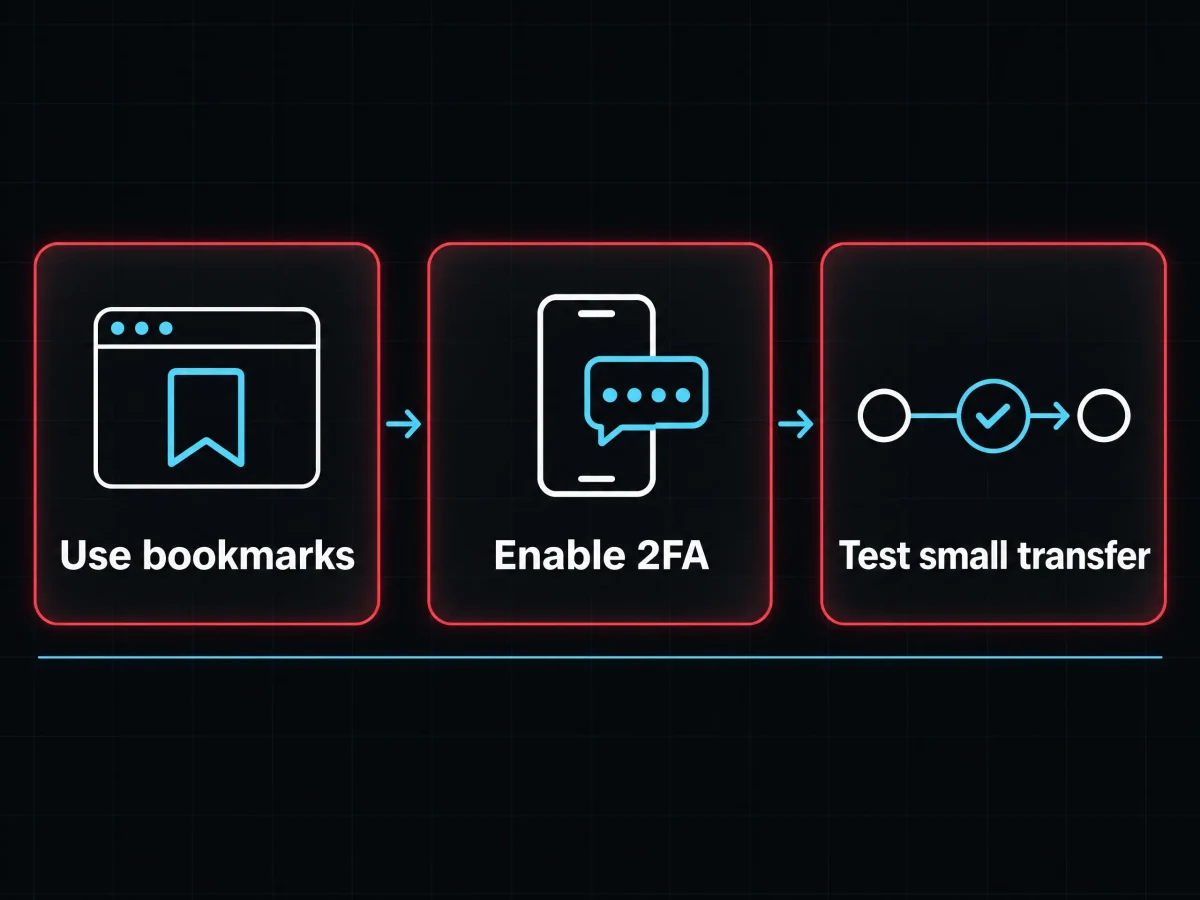
- Use bookmarks: Access platforms only through saved, trusted bookmarks.
- Strong passwords: Use unique, long passwords for every platform.
- Enable 2FA: Require a second verification step for all logins.
- Secure email: Protect your recovery email with 2FA and a strong password.
- Double-check addresses: Verify recipient wallet addresses and networks before sending.
- Test transfers: Send a small test amount before transferring full funds.
What to do if you think you've been scammed
- Stop immediately: Do not send any more funds.
- Update logins: Change passwords for your email and trading account.
- Revoke sessions: End active sessions and remove unrecognized devices.
- Contact support: Reach official platform support directly.
- Document evidence: Save messages, transaction IDs, and screenshots.
Risk reminder
Security habits reduce risks but do not eliminate trading market risks. Only trade with money you can afford to lose. Educational content only. Not financial advice.
Quiz
A message says your account needs urgent review and includes a link. What is the safest response?
Which of these should you never share with anyone?
A padlock symbol shows in the browser. What does it prove?
A stranger offers you a "guaranteed" return if you send crypto first. What should you do?
FAQs


