본문으로 건너뛰기

보안 코드란 무엇이며 절대 공유해서는 안 되는 이유

5
분 소요
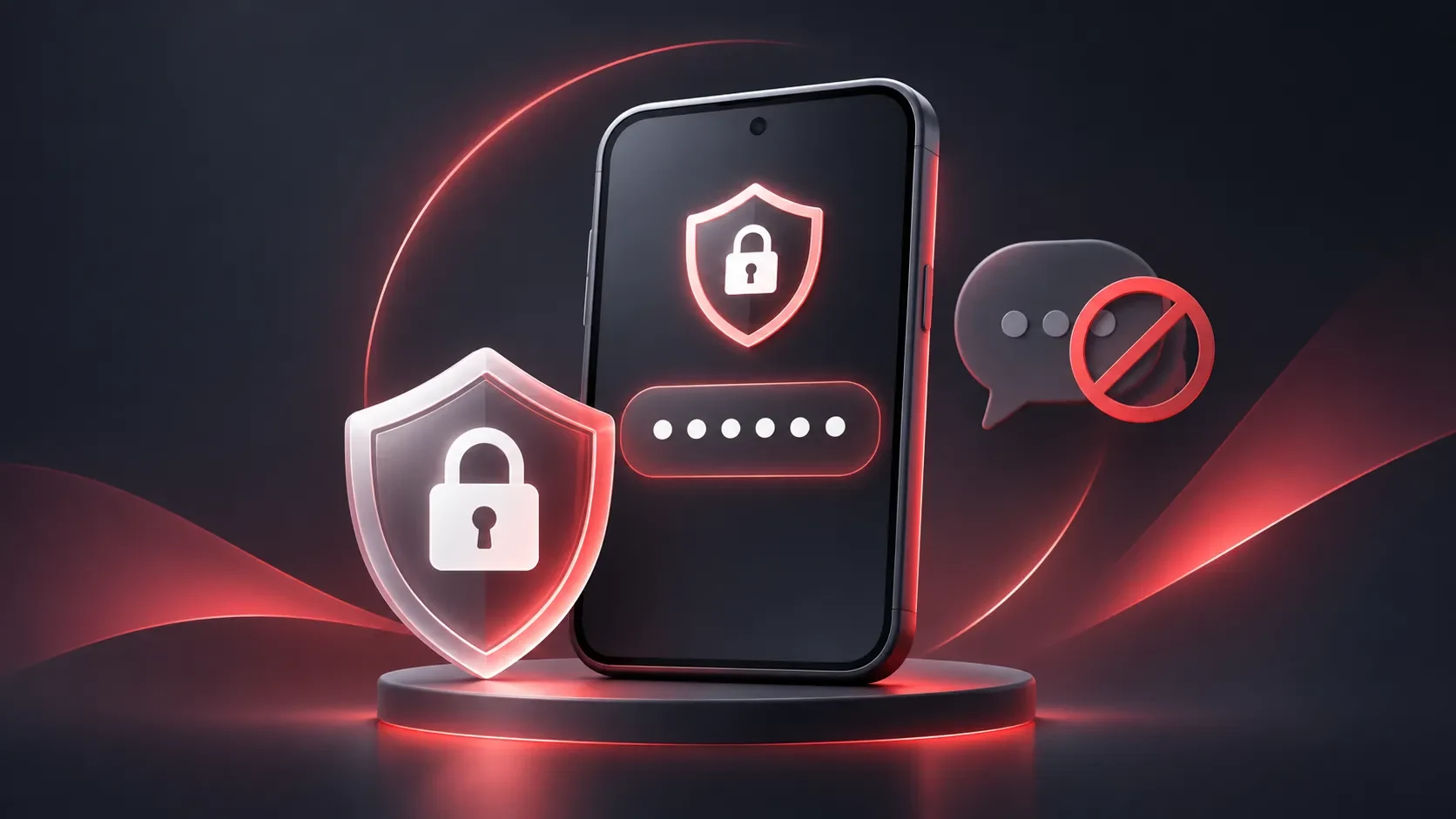
보안 코드의 비공개 사용을 나타내는, 일반적인 인증 코드 입력란과 보안 방패, 차단된 채팅 말풍선이 있는 보호된 휴대폰 일러스트

보안 코드는 로그인, 비밀번호 변경, 2단계 인증(2FA) 설정과 같은 중요한 작업을 본인이 진행하고 있는지 확인하는 데 도움이 됩니다. 이러한 코드는 Deriv 계정에 대한 접근을 보호하는 데 도움이 되므로 항상 비공개로 유지하셔야 합니다. 본 가이드에서는 보안 코드가 무엇인지, 왜 필요한지, 그리고 안전하게 다루는 방법을 설명합니다.

간략 요약

  • 보안 코드는 민감한 계정 작업을 완료하기 전에 추가 확인 절차를 더해 줍니다.
  • 일회용 비밀번호, 인증 앱 코드, 비밀번호 재설정 코드, 복구 코드 등이 보안 코드에 포함될 수 있습니다.
  • 코드는 예상한 단계에서 공식 Deriv 웹사이트 또는 앱에만 직접 입력하십시오.
  • 보안 코드는 절대 전송하거나, 소리 내어 읽어 주거나, 전달하거나, 스크린샷으로 저장하거나, 게시하지 마십시오.
  • 실수로 코드를 공유했다면 공식 Deriv 채널을 통해 즉시 계정을 보호하십시오.

보안 코드란 무엇입니까?

보안 코드는 로그인이나 계정 작업을 본인이 승인했는지 확인하는 데 사용되는 인증 정보입니다. 비밀번호와 달리 많은 보안 코드는 일시적이어서 짧은 시간이 지나면 만료되거나 한 번만 사용할 수 있습니다.

다음과 같은 경우에 보안 코드를 접하실 수 있습니다.

  • 새 기기 또는 브라우저에서 로그인할 때
  • 2FA를 켜거나 사용할 때
  • 비밀번호를 변경하거나 재설정할 때
  • 민감한 계정 보안 작업을 확인할 때
  • 계정 접근 권한을 복구할 때

보안 코드는 확인 단계를 한 겹 더해 주므로 유용합니다. 누군가 비밀번호를 알아내더라도 추가 코드가 없으면 보호된 작업을 완료하지 못할 수 있습니다.

보안 코드의 일반적인 유형

일회용 비밀번호(OTP)는 등록된 이메일 주소 또는 전화번호로 전송되는 임시 코드입니다. 계정에 연결된 연락 수단에 접근할 수 있는지 확인하는 데 도움이 됩니다.

인증 앱 코드는 인증 앱에서 생성되는, 시간 제한이 있는 짧은 코드입니다. 주로 2FA에 사용되며 주기적으로 바뀝니다.

비밀번호 재설정 코드는 비밀번호 재설정 요청이 승인된 것인지 확인하는 데 도움이 됩니다. 새 비밀번호를 만드는 과정의 일부가 될 수 있으므로 특히 민감합니다.

복구 코드 또는 백업 코드는 2FA를 설정할 때 생성되는 비상용 코드입니다. 인증 기기를 분실했을 때 접근 권한을 복원하는 데 도움이 될 수 있으므로 안전하게 보관하고 비밀번호처럼 취급하셔야 합니다.
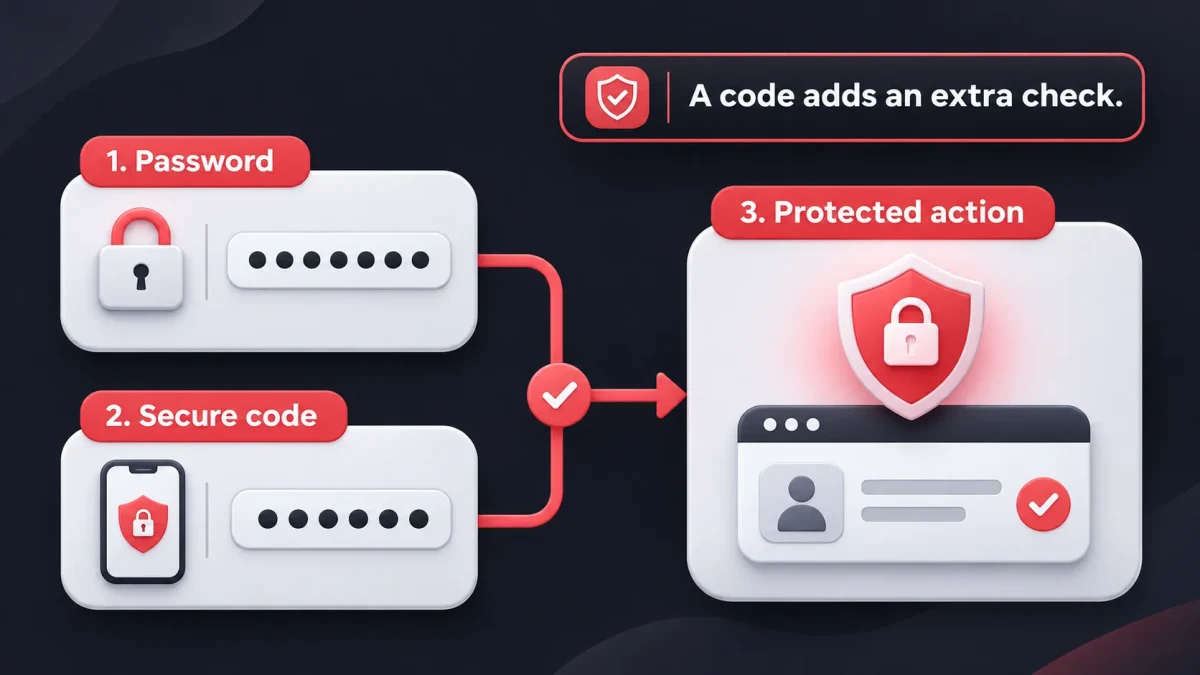
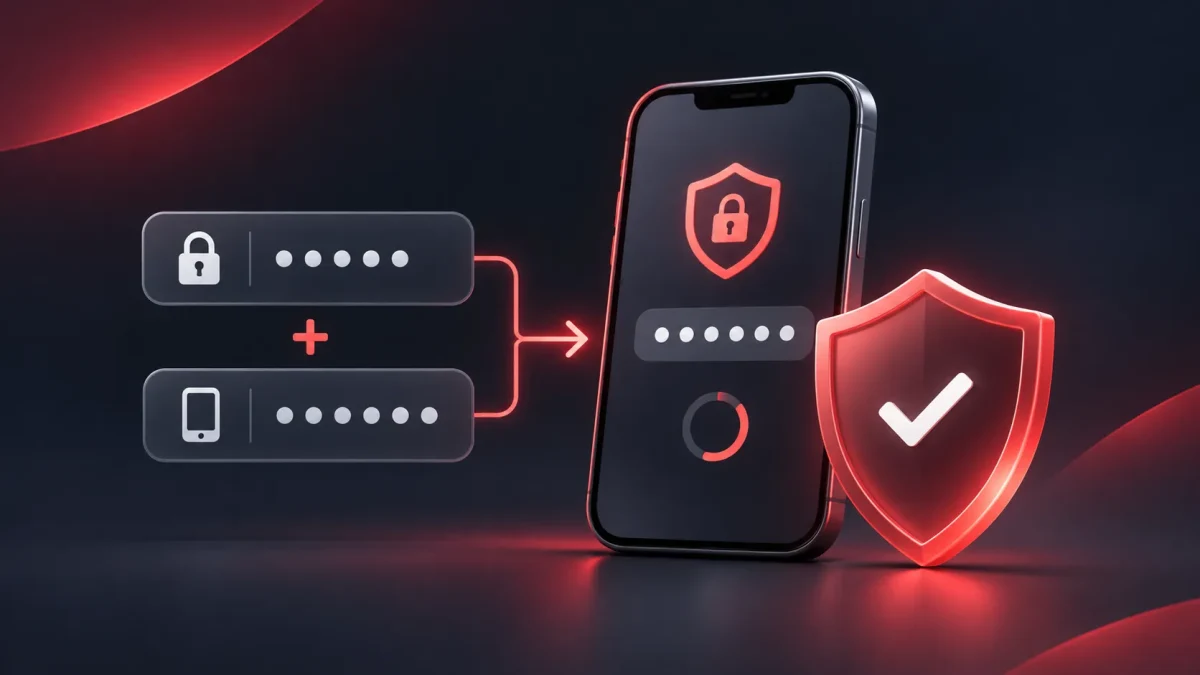
Secure codes help confirm that an important action—such as signing in, changing a password or setting up two-factor authentication (2FA)—is being completed by you. Because these codes can help protect access to your Deriv account, they should always remain private. This guide explains what secure codes are, why they are needed and how to handle them safely. Quick summary Secure codes add an extra check before sensitive account actions can be completed. They can include one-time passwords, authenticator-app codes, password-reset codes and recovery codes. Enter a code yourself only in the official Deriv website or app during an expected step. Never send, read aloud, forward, screenshot or post a secure code. If you accidentally share a code, secure your account promptly through official Deriv channels. What are secure codes? A secure code is a credential used to help confirm that a login or account action is authorised by you. Unlike a password, many secure codes are temporary: they may expire after a short period or work only once. You may encounter a secure code when you: Sign in from a new device or browser Turn on or use 2FA Change or reset a password Confirm a sensitive account-security action Recover access to an account Secure codes are useful because they add another layer of verification. Even if someone discovers a password, they may be unable to complete a protected action without the additional code. Common types of secure codes One-time passwords (OTPs) are temporary codes sent to a registered email address or phone number. They help verify that you can access the contact method linked to the account. Authenticator-app codes are short, time-limited codes generated in an authenticator app. They are commonly used for 2FA and change regularly. Password-reset codes help confirm that a request to reset a password is authorised. They are especially sensitive because they can be part of a process to create a new password. Recovery or backup codes are emergency codes created when setting up 2FA. They may help restore access if you lose an authenticator device, so they must be stored securely and treated like passwords.   Alt text: Diagram shows a password and a secure code as separate requirements before a protected account action can proceed. Why secure codes are needed Passwords can be guessed, reused or exposed through a data breach or phishing attempt. A secure code helps reduce the risk that a password alone can be used to access an account or make a sensitive change. For example, when you change a Deriv password from your profile, Deriv may send a one-time password to your registered email to help verify the request. You enter that OTP yourself as part of the official process, then set the new password.  This extra step is not a guarantee against every risk, but it creates an important barrier. It confirms that the person making the request has access to the required verification method at that moment. Codes are for you to enter, not to give away A secure code is not a piece of information to share with another person. It is an instruction for you to complete a specific security step yourself. Keep this distinction in mind: Safe action Unsafe action Entering a code yourself in the official Deriv website or app Sending a code in a chat, email or social-media message Using a code during a step you started Giving a code to someone who contacted you unexpectedly Storing recovery codes in a protected location Saving recovery codes in an unprotected note or screenshot Opening Deriv directly before entering a code Following an unverified link to enter a code   When it is safe to enter a code Enter a secure code only when all of these conditions apply: You started the action yourself. You are using the official Deriv website or app. You expected the verification step. The code is being entered into the relevant secure field—not sent to a person. For example, if you select Password in your Deriv profile and request a password change, an OTP sent to your registered email can be part of that expected process. The code should be entered only in the official password-change flow. If the action is unexpected, pause before entering anything. Open Deriv directly through your usual route and check your account settings instead of relying on a link in a message. Keep codes out of screenshots A screenshot can contain more information than it first appears to. It may show an OTP, account email, device notification, transaction reference, browser address or other personal details. Before sharing a screenshot for support purposes, review every visible element. Never include a password, secure code, QR code, recovery code or authenticator-app screen. When possible, crop or redact any personal, payment or account details that are not needed.  Alt text: Three cards show starting an account action, opening Deriv directly, and privately entering a secure code in the official platform. How to store recovery codes safely Recovery codes are different from ordinary one-time codes because they may remain valid until used or replaced. They are designed for emergencies, such as losing access to an authenticator app. Store them somewhere you can access when needed, but where other people cannot. A reputable password manager can be a suitable option when it is protected by a strong master password and 2FA. A protected offline copy may also be appropriate. Do not: Keep recovery codes in an email draft or unprotected cloud document Store them in a public or shared photo album Send them to yourself through chat Share them with a friend, family member or anyone claiming to help Include them in a support screenshot If you generate new recovery codes, securely remove any outdated copies so you do not rely on codes that no longer work. What to do if you shared a code A shared code may no longer be safe to use, even if it has not yet expired. Act promptly, but use only official routes. Open Deriv directly through the official website or app. Change your Deriv password to a new, unique password. Review your 2FA settings and recovery methods. Secure the email account linked to Deriv, particularly if it may receive password-reset instructions. Contact Deriv through official support if you think someone may have accessed your account.  Alt text: Three cards advise keeping codes private, storing recovery codes securely, and protecting an account promptly if a code is shared. Build a secure-code routine A few simple habits make secure-code requests easier to handle: Start account actions only from the official Deriv website or app. Use 2FA on your Deriv account and on the email account linked to it. Read verification messages carefully before acting. Keep recovery codes in a protected location before you need them. Never approve or enter a code for an action you did not start. Treat any request to share a code as a reason to stop and verify independently. Take the next step Review where you store your recovery codes and make sure 2FA is enabled on your Deriv account and the email linked to it. If you receive a code for an action you did not start, do not enter or share it—open Deriv directly and review your security settings.

‍보안 코드가 필요한 이유

비밀번호는 추측되거나, 재사용되거나, 데이터 유출 또는 피싱 시도로 노출될 수 있습니다. 보안 코드는 비밀번호만으로 계정에 접근하거나 민감한 변경을 할 수 있는 위험을 줄이는 데 도움이 됩니다.

예를 들어 프로필에서 Deriv 비밀번호를 변경하면 Deriv가 요청을 확인할 수 있도록 등록된 이메일로 일회용 비밀번호를 보낼 수 있습니다. 공식 절차의 일부로 해당 OTP를 직접 입력한 다음 새 비밀번호를 설정합니다.

이 추가 단계가 모든 위험을 막아 주는 것은 아니지만 중요한 방어막이 됩니다. 요청하는 사람이 그 시점에 필요한 인증 수단에 접근할 수 있음을 확인해 줍니다.

코드는 직접 입력하는 것이지 다른 사람에게 알려 주는 것이 아닙니다

보안 코드는 다른 사람과 공유할 정보가 아닙니다. 특정 보안 단계를 본인이 직접 완료하라는 안내입니다.

다음 차이를 기억해 두십시오.

안전한 행동 안전하지 않은 행동
공식 Deriv 웹사이트 또는 앱에 코드를 직접 입력하기 채팅, 이메일 또는 소셜 미디어 메시지로 코드 보내기
본인이 시작한 단계에서 코드 사용하기 예기치 않게 연락해 온 사람에게 코드 알려 주기
복구 코드를 보호된 장소에 보관하기 복구 코드를 보호되지 않은 메모나 스크린샷으로 저장하기
코드를 입력하기 전에 Deriv를 직접 열기 확인되지 않은 링크를 따라가 코드 입력하기

‍

코드를 입력해도 안전한 경우

다음 조건이 모두 충족될 때만 보안 코드를 입력하십시오.

  1. 본인이 직접 작업을 시작했습니다.
  2. 공식 Deriv 웹사이트 또는 앱을 사용하고 있습니다.
  3. 해당 인증 단계가 나올 것으로 예상했습니다.
  4. 코드를 사람에게 보내는 것이 아니라 해당 보안 입력란에 입력하고 있습니다.

예를 들어 Deriv 프로필에서 비밀번호를 선택하고 비밀번호 변경을 요청했다면, 등록된 이메일로 전송된 OTP는 예상된 절차의 일부일 수 있습니다. 이 코드는 공식 비밀번호 변경 절차에서만 입력하십시오.

예상하지 못한 작업이라면 아무것도 입력하지 말고 잠시 멈추십시오. 메시지에 있는 링크에 의존하지 말고 평소 이용하시는 경로로 Deriv를 직접 열어 계정 설정을 확인하십시오.

스크린샷에 코드가 담기지 않도록 하십시오

스크린샷에는 처음 생각하는 것보다 많은 정보가 담길 수 있습니다. OTP, 계정 이메일, 기기 알림, 거래 참조 번호, 브라우저 주소 또는 기타 개인 정보가 보일 수 있습니다.

지원 목적으로 스크린샷을 공유하기 전에 화면에 보이는 모든 요소를 확인하십시오. 비밀번호, 보안 코드, QR 코드, 복구 코드, 인증 앱 화면은 절대 포함하지 마십시오. 가능하면 필요하지 않은 개인 정보, 결제 정보 또는 계정 정보는 잘라 내거나 가리십시오.
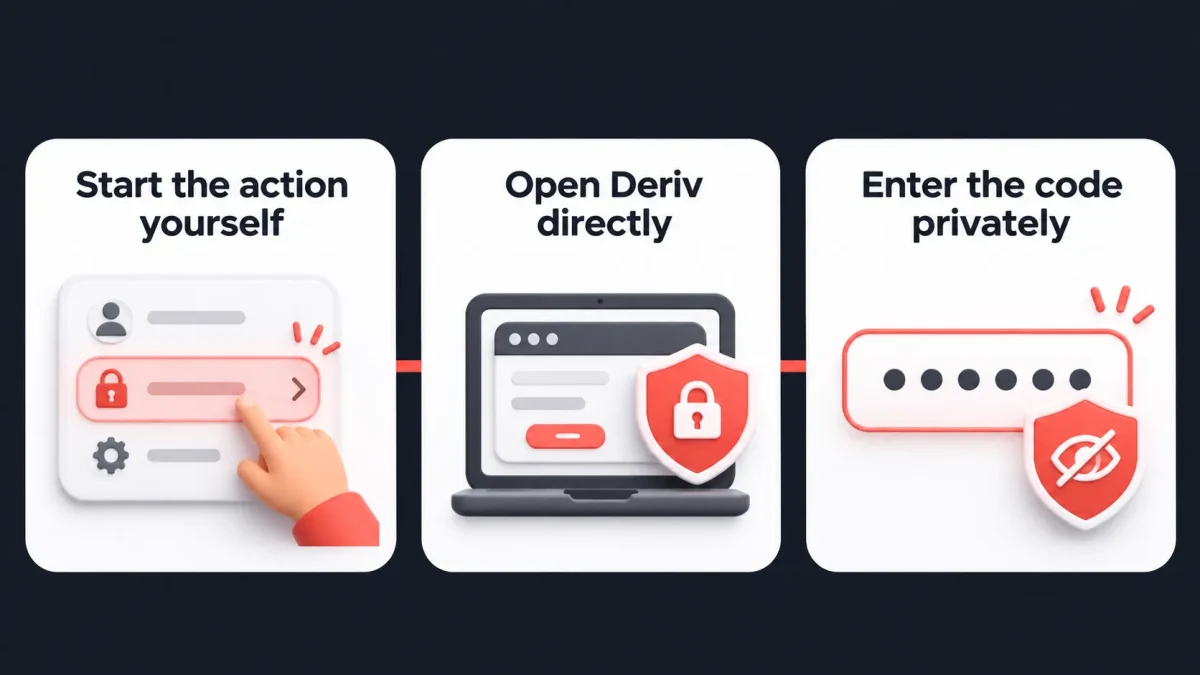
Three cards show starting an account action, opening Deriv directly, and privately entering a secure code in the official platform.

복구 코드를 안전하게 보관하는 방법

복구 코드는 사용되거나 교체되기 전까지 유효할 수 있으므로 일반적인 일회용 코드와 다릅니다. 인증 앱에 접근하지 못하게 되는 경우와 같은 비상 상황을 위해 만들어졌습니다.

필요할 때 본인은 접근할 수 있지만 다른 사람은 접근할 수 없는 곳에 보관하십시오. 신뢰할 수 있는 비밀번호 관리자는 강력한 마스터 비밀번호와 2FA로 보호된다면 적합한 선택일 수 있습니다. 보호된 오프라인 사본도 적절할 수 있습니다.

다음은 하지 마십시오.

  • 복구 코드를 이메일 임시 보관함이나 보호되지 않은 클라우드 문서에 보관하기
  • 공개 또는 공유 사진 앨범에 저장하기
  • 채팅으로 본인에게 보내기
  • 친구, 가족 또는 도와주겠다고 하는 누구에게든 공유하기
  • 지원용 스크린샷에 포함하기

새 복구 코드를 생성했다면 더 이상 작동하지 않는 코드에 의존하지 않도록 이전 사본을 안전하게 삭제하십시오.

코드를 공유했다면 해야 할 일

공유한 코드는 아직 만료되지 않았더라도 더 이상 사용하기에 안전하지 않을 수 있습니다. 신속히 조치하되 공식 경로만 이용하십시오.

  1. 공식 웹사이트 또는 앱을 통해 Deriv를 직접 여십시오.
  2. Deriv 비밀번호를 새롭고 고유한 비밀번호로 변경하십시오.
  3. 2FA 설정과 복구 수단을 검토하십시오.
  4. Deriv에 연결된 이메일 계정을 보호하십시오. 특히 비밀번호 재설정 안내를 받을 수 있는 경우에는 더욱 그렇습니다.
  5. 계정에 누군가 접근했을 수 있다고 생각되시면 공식 지원 채널을 통해 Deriv에 문의하십시오.
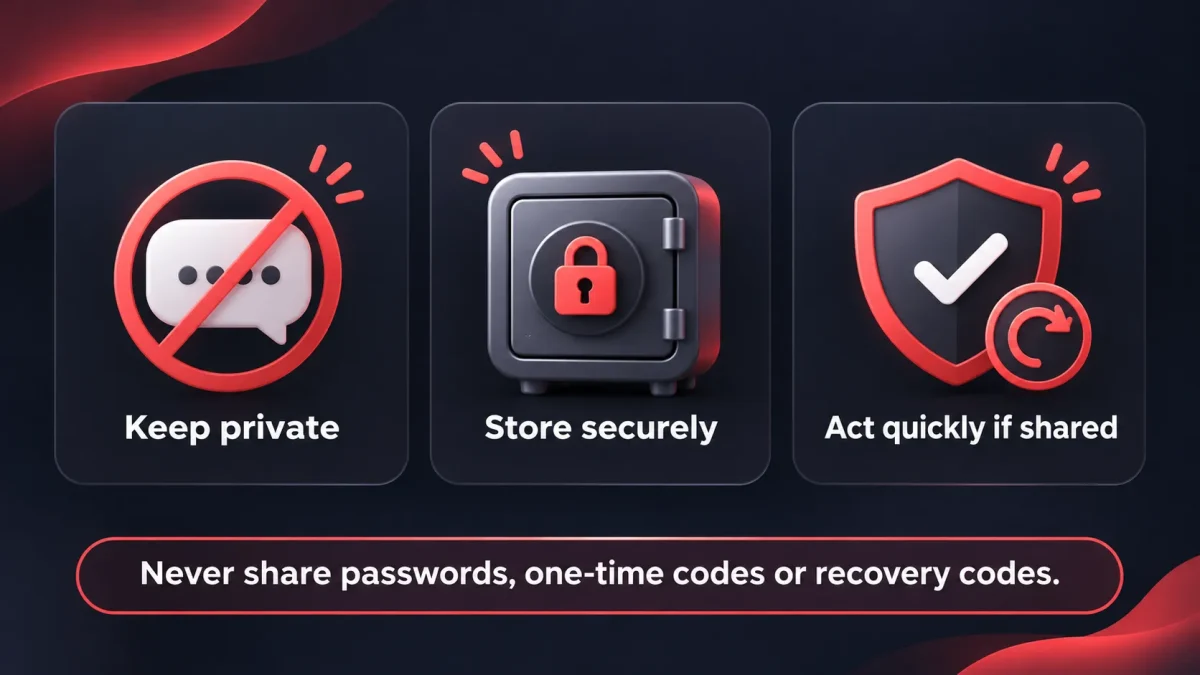
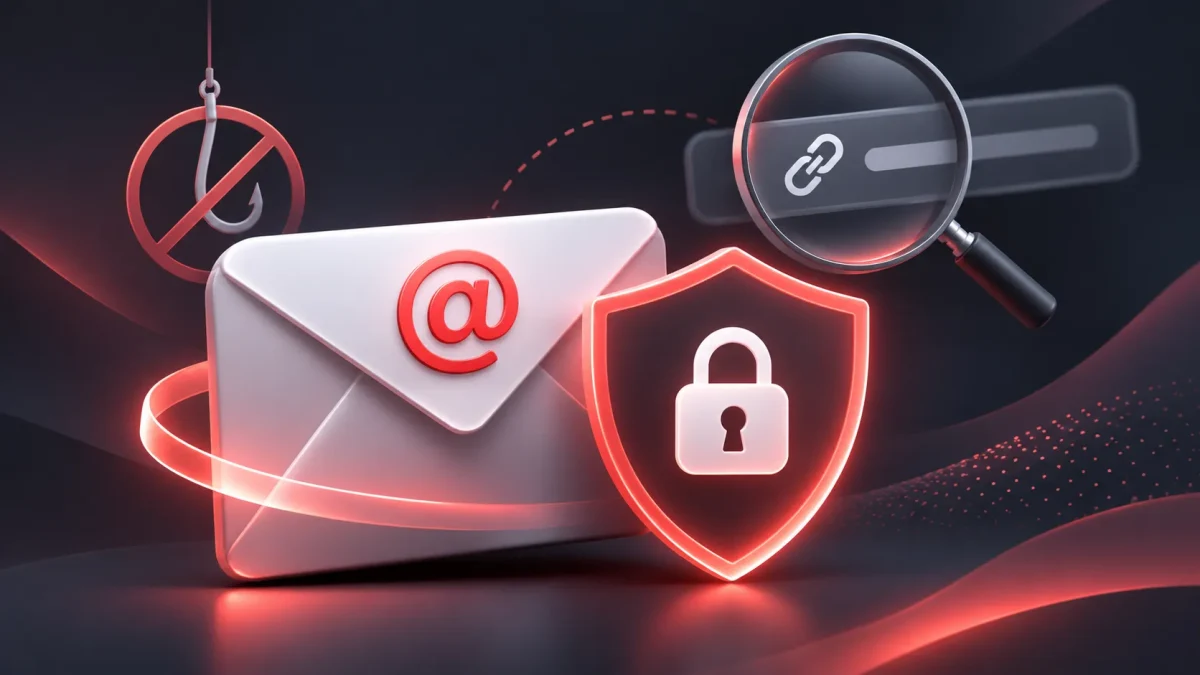
Three cards advise keeping codes private, storing recovery codes securely, and protecting an account promptly if a code is shared.

보안 코드 관리 습관 만들기

몇 가지 간단한 습관을 들이면 보안 코드 요청에 더 쉽게 대처할 수 있습니다.

  • 계정 관련 작업은 반드시 공식 Deriv 웹사이트 또는 앱에서만 시작하십시오.
  • Deriv 계정에 2FA를 사용하시고, 계정에 연결된 이메일 계정에도 2FA를 사용하십시오.
  • 조치를 취하기 전에 인증 메시지를 주의 깊게 읽으십시오.
  • 복구 코드는 필요해지기 전에 안전한 곳에 보관하십시오.
  • 직접 시작하지 않은 작업에 대한 코드는 승인하거나 입력하지 마십시오.
  • 코드를 공유해 달라는 요청을 받으면 즉시 중단하고 별도의 경로로 직접 확인하십시오.

다음 단계

복구 코드를 어디에 보관하고 있는지 점검하시고, Deriv 계정과 계정에 연결된 이메일에 2FA가 활성화되어 있는지 확인하십시오. 직접 시작하지 않은 작업에 대한 코드를 받으셨다면 입력하거나 공유하지 마시고, Deriv에 직접 접속하여 보안 설정을 점검하십시오.

Quiz

보안 코드는 언제 입력해야 합니까?

FAQ

Analyse markets with AI-powered insights

Explore TradersView
WhatsApp